Skip Navigation Links


An integrated platform for the analysis of dynamic data
The pressure to reduce costs does not negate the fact that the work still needs to be done. With an exponential increase in the amount of data and a corresponding decrease in the resources to handle them, users told us they needed ergonomic tools that would integrate, navigate and communicate within a single environment thus avoiding painful import / export, process duplication and, incidentally there should be very little training overhead. The result is the integrated Ecrin suite that aims to be the best in class software for handling, modeling and analyzing reservoir dynamic data.
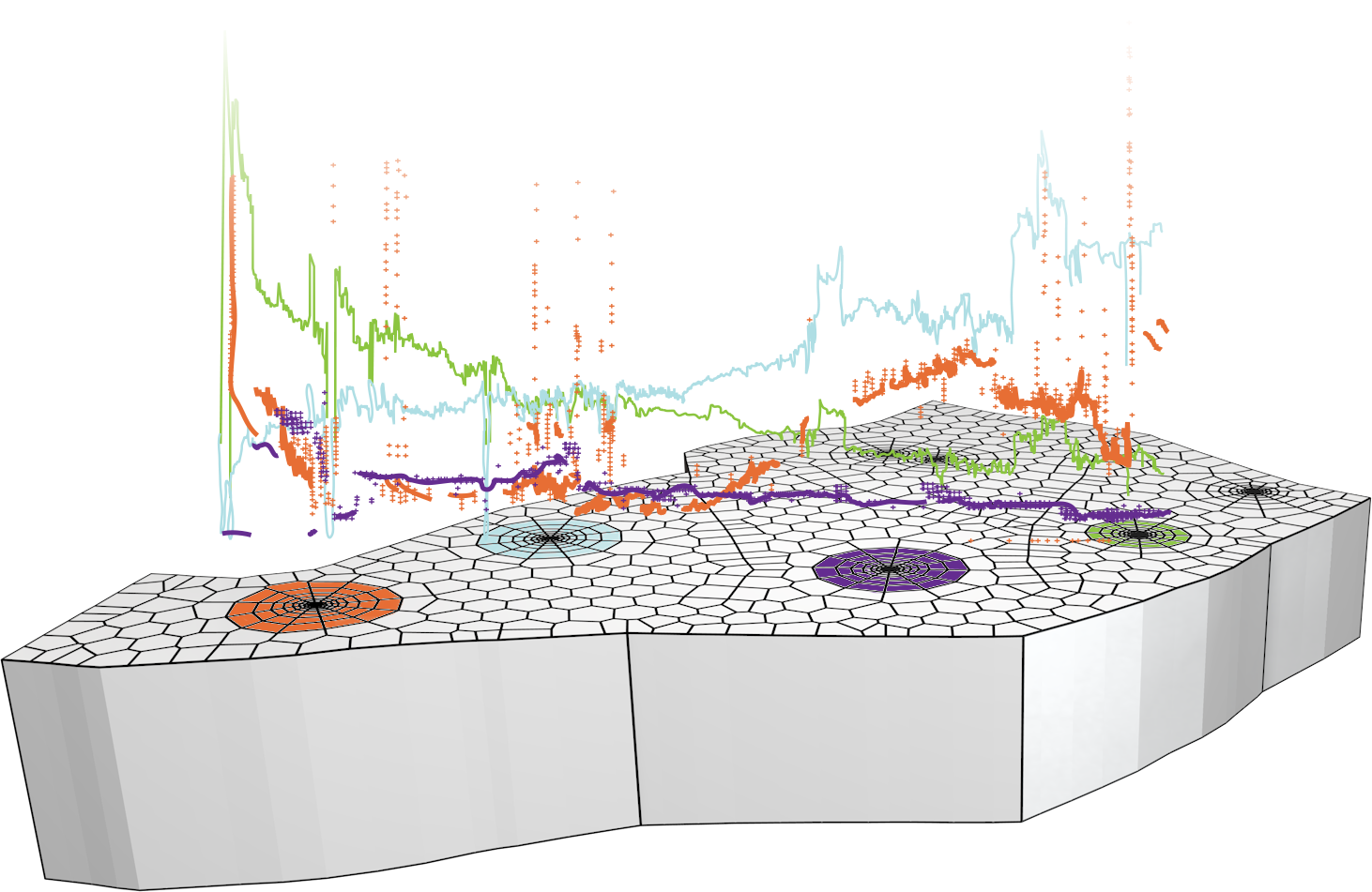
The development started by integrating Data Management (Diamant) with Pressure Transient and Production Analysis (Saphir and Topaze). It progressed with the simultaneous release of a server application (Diamant Master) to gather, smart filter and share Permanent Downhole Gauge (PDG) and production data whilst providing a seamless connection to the analysis modules.
The Voronoi model developed for transient analysis led to a natural extension into non-linearity and upscaling across the modules to production analysis and then the full-field 3D history-matching model in Rubis.
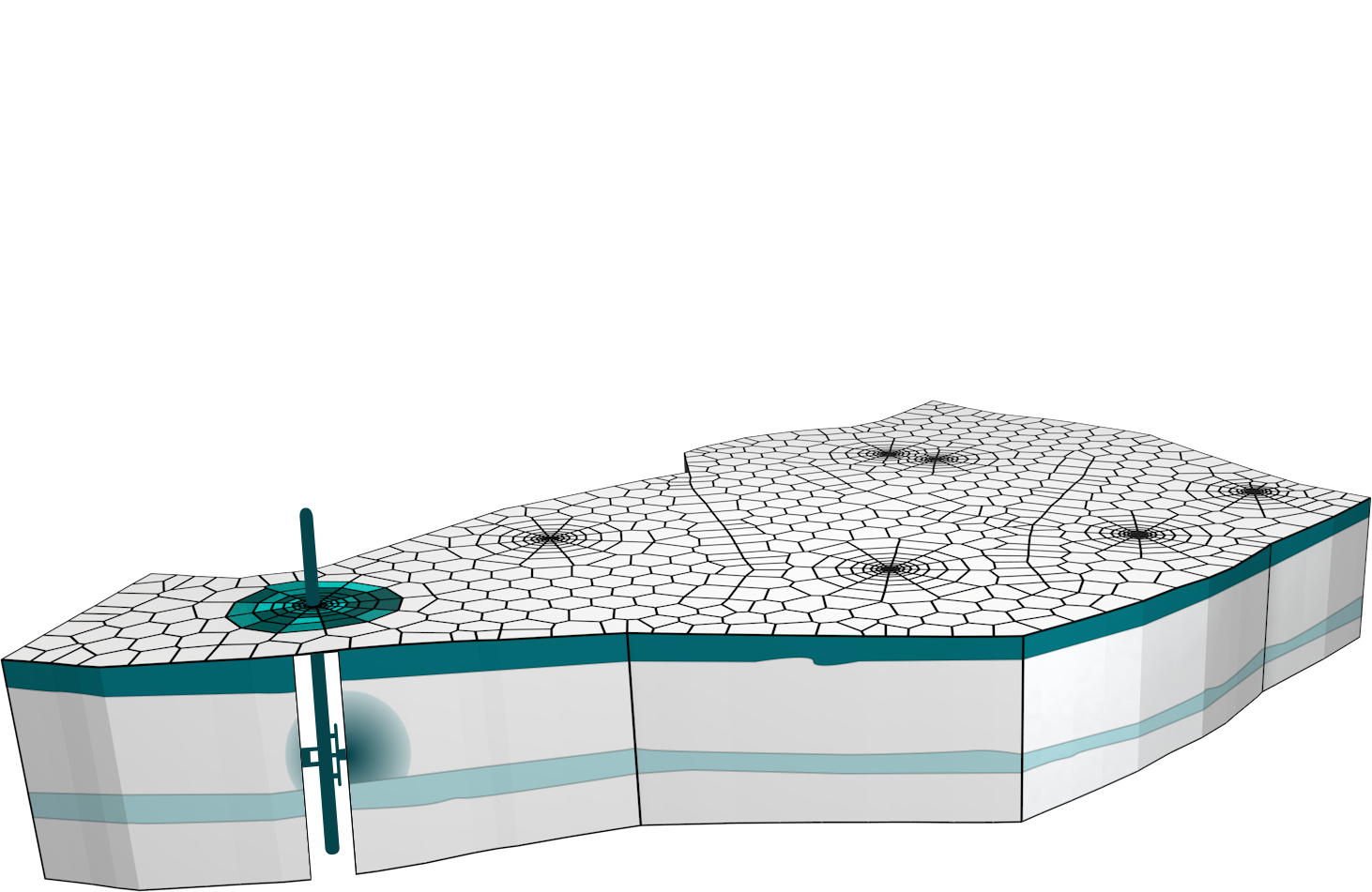
In Ecrin v4.12 a fully integrated Well Performance Analysis module (Amethyste) has been added to the suite. The drive to integrate the modules continues with substantial enhancements to the integration process that includes sector identification and transfer from the full field model to transient analysis and inflow performance (IPR) from Amethyste to Saphir.


Ecrin - Main window with PTA (Saphir), PA (Topaze), Amethyste(WPA) and Rubis (HM) running simultaneously


Dynamic Data and Intelligent Fields
Whenever a fluid is produced or injected into the reservoir, the diffusion produces changes in pressure and temperature that may be recorded in various places. Combine this data with the production / injection rate history and you have what we call Dynamic Data which are candidate for analysis. This analysis allows models to be built on various scales, leading to a forecast and decisions. Connect all this to real time measurement stored in historians, automate some of the processing, and you get what we will call an Intelligent Field.
From well testing to the analysis of dynamic data
Not so long ago, the only dynamic data the engineer had available was a well test, generally shut-in data, a set of specialized plots and a dedicated analytical model catalog, all this in a single application isolated from other reservoir engineering tools. For KAPPA, this was the time of Saphir, a standalone application. Today the stakes are much higher and most fields are more complex. Different methodologies have to be applied, sometimes using the same data, sometimes not. However, all these techniques apply to the same reservoir and wells, and the truth is in the data. The name of the game today is to build a puzzle from little pieces coming from everywhere. For KAPPA, now is the time of the integrated Ecrin suite.
What is the analysis of dynamic data?
This is a long list. It starts with Pressure Transient Analysis (PTA) and its counterpart, Production Analysis (PA). On the scale and lifespan of the reservoir we can History Match (HM) the producing and pressure / temperature data. It is also possible to obtain a vertical profile of the field contribution with Production Logging (PL) and Formation Testers (FT). To level all this to datum the output of a Well Performance Analysis (WPA) tool is useful, albeit this will only provide a steady-state proxy of the problem.
What is Ecrin?
Ecrin is the software environment under which all the KAPPA dynamic data analysis modules operate. By running under a single executable Ecrin provides complete interconnectivity between the modules and allows the sharing of common technical objects. This seamless workflow saves time, repetition and frustration. All objects such as PVT, data and models are available to all modules, at any time, by drag-drop. This can be done using, amongst other methods, the versatile Ecrin browser. Incidentally, the weird name is a French thing. Ecrin is the word for jewelry box. With Ecrin you buy the gemstones, we provide the box.
Permanent Gauges
The requirement for an integrated suite first arose in the late 1990’s with the increasing deployment of permanent downhole gauges (PDG). These gauges are constantly monitoring downhole pressures and are a passive witness to whatever happens in the well and the reservoir. In particular, PDG under stable producing conditions provide data to run production analysis, and from incidental shutins where we can perform a transient analysis. The initial bubble of excitement burst quickly however. The data stored in the historians were huge and, if an engineer could find the data in the first place, it ground their computers to a halt frequently ending with the ‘blue screen of death’.
The first Diamant and Ecrin; a little history
Work at Stanford University showed that it was possible to develop smart filters, based on wavelet algorithms, that could drastically reduce the number of points without eroding the data signature (see Reservoir Surveillance of Dynamic Data page). Diamant, the fourth KAPPA gemstone was built to do exactly that, and the first release of Ecrin linked the three applications involved in PDG processing; the data cross-over and smart filtration part (Diamant) and the analysis modules; PTA (Saphir) and PA (Topaze). Technically the workflow was nearly perfect. The data would flow, was filtered and then successfully sent to the relevant applications for analysis. But with use it was clear further development was needed.
Diamant Master
Diamant was originally a locally installed user application, local being the key word. Any engineer wishing to process PDG data would have to directly connect to the data historian, define his / her own filter levels, and use the results, locally. At a time when ‘real-time reservoirs’ were the new buzzwords, clients sought enterprise-wide or, at least, reservoir team-wide collaboration and access. In response KAPPA developed a client-server solution, Diamant Master, in order to share the standardized data within a workgroup and establish real time links with the coming Intelligent Fields (see Reservoir Surveillance of Dynamic Data page). However there was one remaining technical caveat: production rates.
Production rates
The well production history, generally coming from very inaccurate reallocation processes, was absolutely useless in order to extract a proper shut-in. So a lot of manual work was left to the engineer. Early publications on wavelets erroneously suggested that they could be used to automatically identify shut-ins. In real life, hard shut-ins and soft shut-ins, and anything between, were so dissimilar that a single wavelet filter, however smart, would miss too many transients to be of any practical use. This problem has now been solved in v4.12, with a new algorithm that identifies shut-ins with a high and useable level of reliability. This was the missing link if we wanted to automate the process of creating build-up files in the intelligent field environment. This new algorithm is detailed on the Reservoir Surveillance of Dynamic Data page.
Share, share, share
With the development of a client-server solution it would have been a waste to limit the sharing to PDG data. Diamant Master has a field / well structure where Ecrin documents and individual technical objects (PVT, kr tables, maps, files of all types, etc) can be shared in a structured way. Between Ecrin documents and objects available in Diamant Master, engineers can share nearly everything including data, technical objects and models.
Sharing basic technical objects
This is not as easy as it might look. Take the example of PVT: In an isothermal environment (Saphir, Topaze, and the simple Rubis cases) Black Oil correlations, EOS, or simply PVT tables are used. Now, drag-drop a PVT object from one of these modules to a non-isothermal module such as Amethyste, which requires temperature related PVT. What happens if we have tables at only one temperature? In Ecrin, the PVT object will check that it is now in a non-isothermal environment and, if there are tables will produce a pop-up requiring the user to select a correlation, and then fit this on the table values at reservoir temperature. Conversely, a correlation based non-isothermal PVT will become isothermal by simply picking the temperature in the document into which it is dropped.
In Ecrin v4.12 the interconnectivity is extended to Amethyste: Intake curves calculated by Amethyste can be sent to Saphir, Topaze and Rubis on a single click, and IPR/AOF created in Saphir are ready to use in Amethyste. Sectors of a Rubis model can be drag-dropped into Saphir for 3D/3-phase modeling of pressure transients.
Sharing analytical models
In Ecrin, the PTA (Saphir) and PA (Topaze) modules share an analytical model catalog. Details will change depending on the environment, but it is globally possible to drag-drop a complete document, including the analytical model, from the PTA module to the PA module and vice versa.
Sharing numerical models
Numerical models are at the technical heart of Ecrin, and they are our greatest challenge. With Ecrin we seek, step by step, to build an understanding of the reservoir and its wells, from the various dynamic data available. We first use the data for analysis, then we use the result to history match all available data and forecast the future. One way or another we need to feed a unique model, which we will use as a proxy of the reservoir. One could argue that such a proxy should be the geological model. We respectfully believe that it seldom works. Arguably, even when it does, we generally have no time to use and update it in a practical sense. The following is a guide to how the various levels of numerical model are built in Ecrin, and how they can contribute to define this reservoir proxy.
How Numerical models are built in Ecrin
In Saphir and Topaze, building a model is fast, intuitive and achieved within the time frame usually allocated to making a transient or production analysis. The engineer focuses on the physical problem not the process of building. The sequence above shows the typical steps in building a 2D numerical model with the unstructured (Voronoi) grid in Saphir or Topaze, from how to import a bitmap (1), draw the wells and the field inner / outer boundaries (2), define composite zones (3), import fields of thickness, porosity and permeability values (4), initialize the automatic grid (5), show fields of static or dynamic data (6) and visualize and animate results in pseudo-3D (7), or in real 3D (8). Around each well the 2D unstructured gridding is replaced by a 3D unstructured when needed, as for a limited entry well (9) or a horizontal well (10). These models also account for vertical (11) and horizontal (12) anisotropy. To progress from the 2D build to a full 3D Rubis model it is just a few more intuitive steps (see History Matching page).
Why are Saphir / Topaze numerical models so fast?
The first numerical development from KAPPA was aimed at modeling complex geometries running as a ‘superanalytical’ linear model. For each time step a numerical kernel requires a linear solver and a nonlinear solver. The linear solver will solve a local linear approximation of the problem, while the nonlinear solver will iterate on the linear solver actions in order to get the right answer. When a problem is linear there is no need for the nonlinear iterations, the numerical kernel will only use its linear solver, and only once, at every time step. This is why Saphir and Topaze solutions are so quick.
Saphir NL & Topaze NL
With a numerical model it was natural progression to try solving nonlinear PTA and PA problems that had been hitherto overlooked. Saphir NL and Topaze NL can be used to model real gas diffusion (no longer needing for pseudopressures), real dead oil (with pressure related physical properties), water-oil and water-gas problems, water injectors, water drives (Schiltuis, Fetkovich, Pot, Carter-Tracy, numerical), nonDarcy flow (Forscheimer equation), unconsolidated formations, pressure constrained problems and, in v4.12, desorption models for Coalbed Methane (CBM) and Shale Gas problems.
Rubis as a game changer
Rubis evolved from the numerical heart of Topaze, a product where Production Analysis (PA) was greatly enhanced in turn by using modern Pressure Transient Analysis (PTA) tools. Rubis provides the next logical step, particularly in the 3D multiphase environment.
Rubis is diametrically opposite to the development of the next generation of simulators which can handle billions of cells with massive parallel processing, with results that are often generated too late to be useful. We want to match the production data, as often, and as quickly as possible by modular integration, using the pieces of the jigsaw puzzle from the different methodologies such as PTA, PA, PL and History Matching to create a proxy model of the reservoir. It is a tool that sits somewhere between single cell material balance, and massive simulation models, it replaces neither but does much of the work of both.
Rubis models the reservoir with the smallest possible number of cells, we history match what we can and use this as a decision tool on a weekly or monthly basis, as opposed to yearly or never. In an intelligent field, the Rubis model becomes a reservoir proxy that may even be used in real time to forecast production from the permanent gauge measurements.
Flexible Upscaling
The traditional way of growing a simulation model involved feeding it with manual data such as Skin and PI. Not so in Ecrin. All Ecrin numerical tools use the same technical kernel with the main difference being in the local grid refinement around the wells.
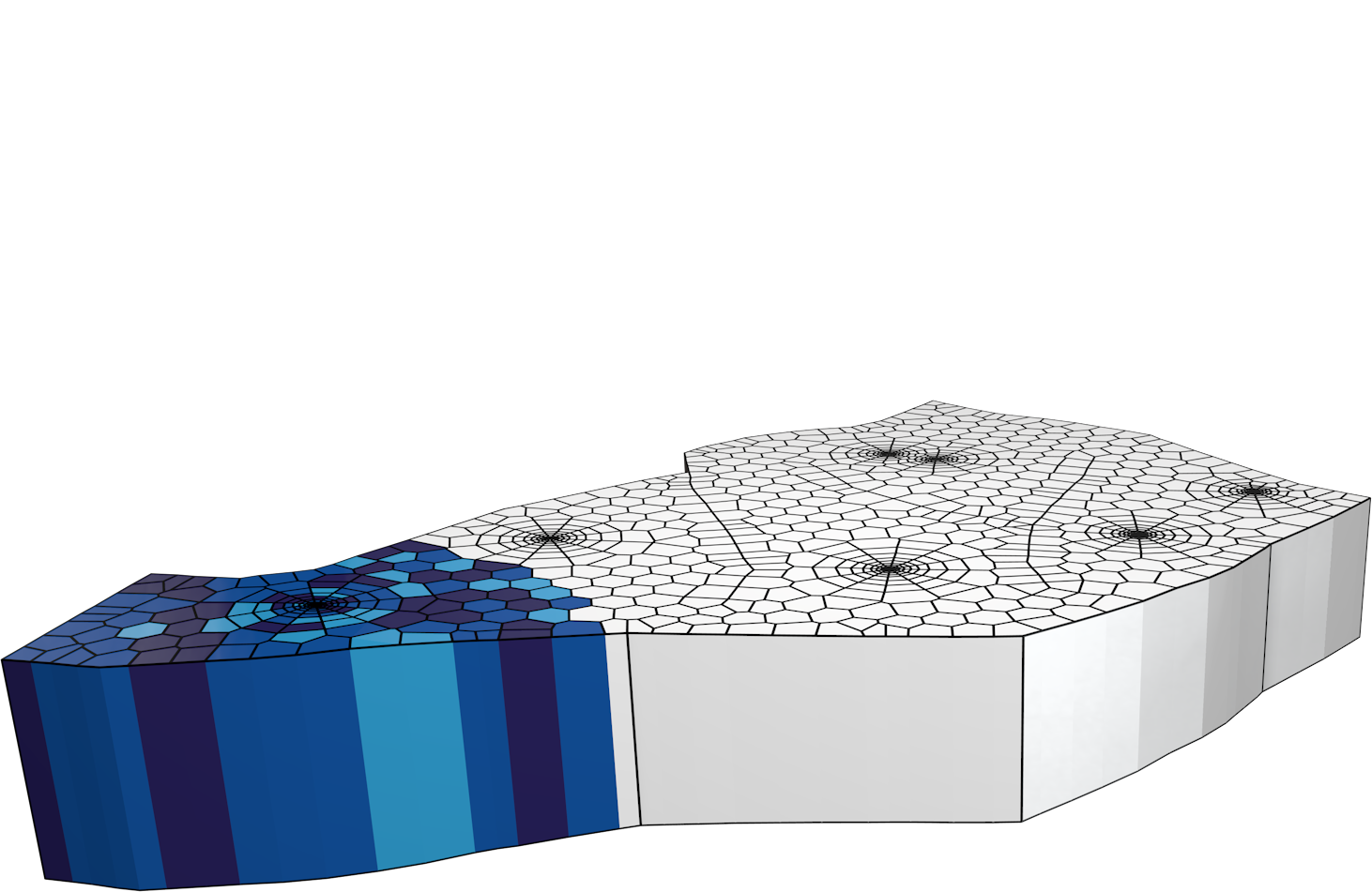
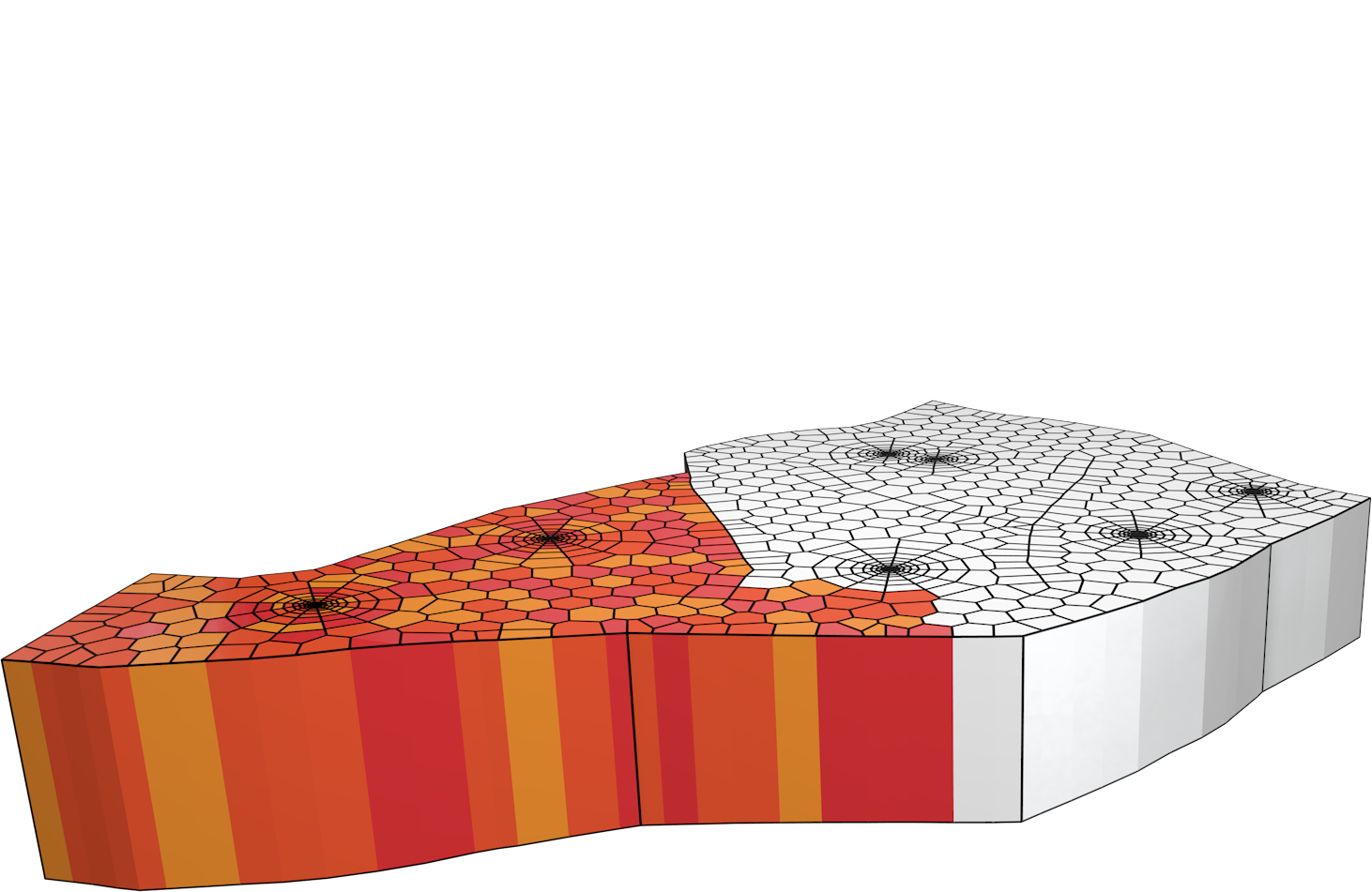
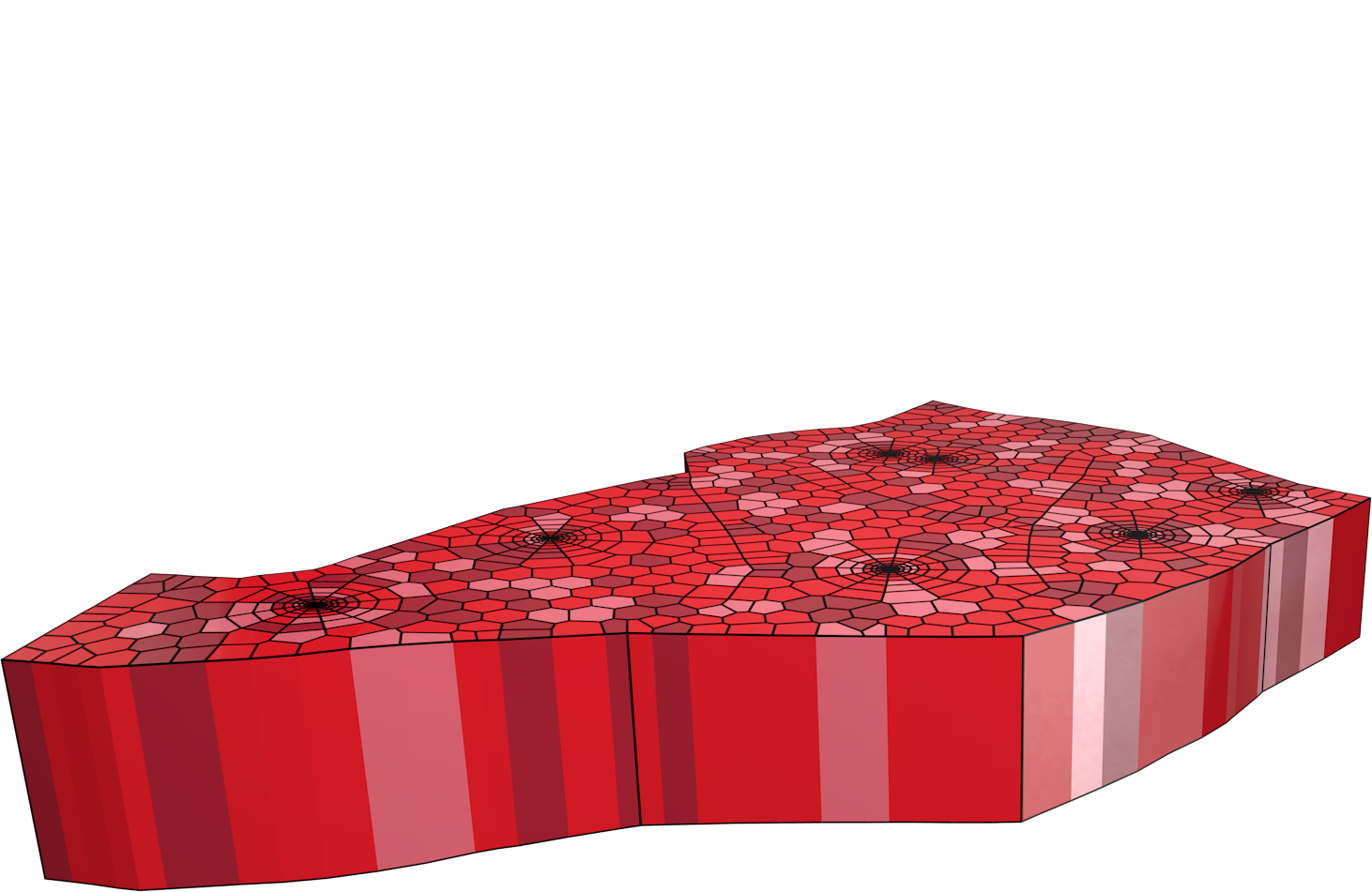
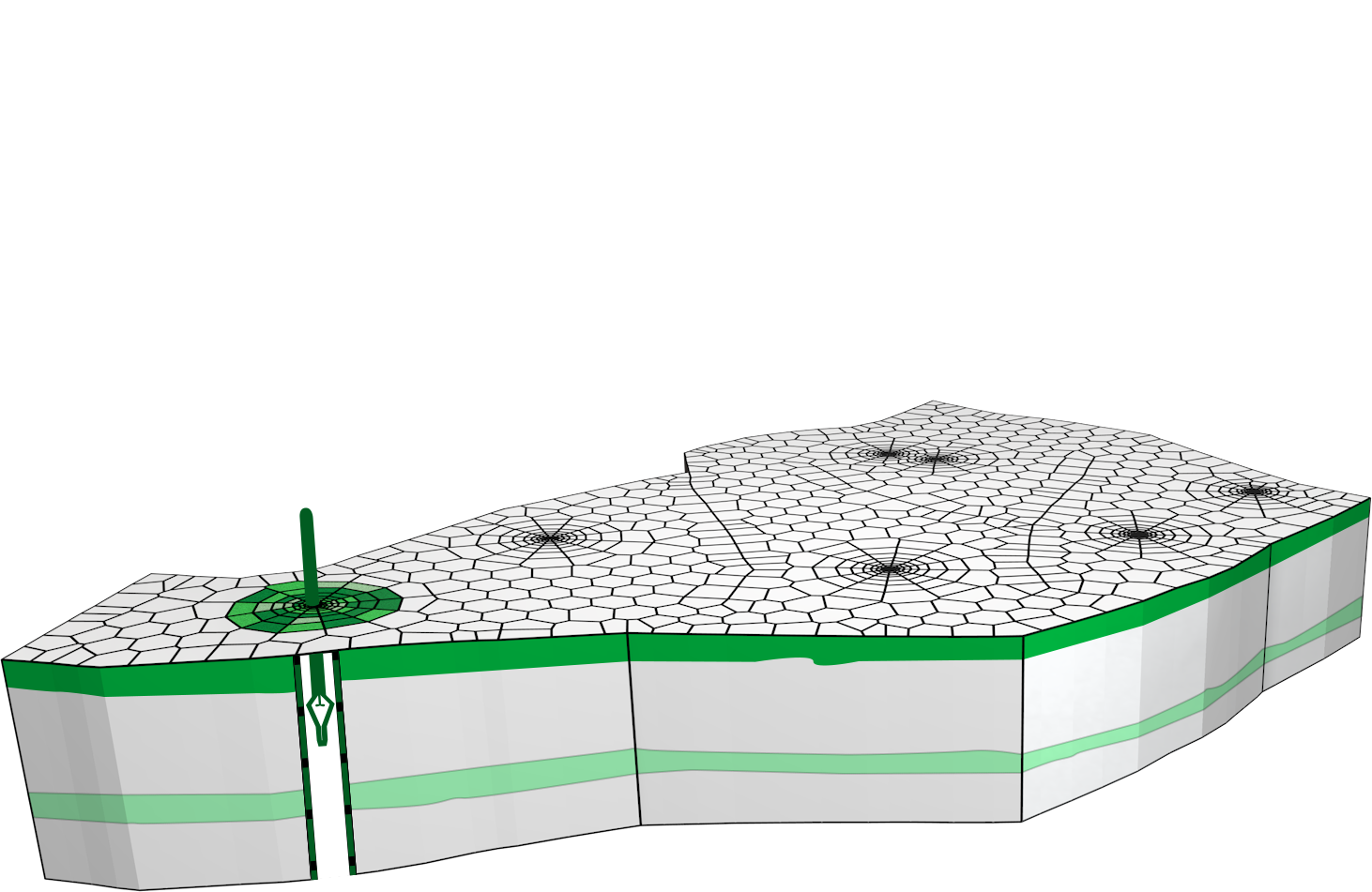
To elaborate; consider the example of a horizontal well in a rectangular reservoir (13). Outside the area directly around the well, we have approximately 400 unstructured cells to model this simple reservoir (14). We use, as a reference, a test design using the Saphir analytical model (15). The reservoir cells will be common to Saphir, Topaze and Rubis. However, the requirement around the well is going to be very different. For PTA (Saphir) we need to have a very significant refinement (16 & 17) around the well to perfectly simulate the different flow regimes on a loglog scale (18). The price to pay to fit the early time transients is 2,300 cells around the well.
The solution will be slower, and this sort of refined grid is not very good at handling 3-phase flow. For PA (Topaze) such significant refinement is not required. With a detailed 2D representation requiring around 300 cells around the well (19 & 20), the response is honored after one hour, which is sufficient given the frequency of production data (21). For HM (Rubis), the early time transients are irrelevant and the minimum time step will be one day. A very coarse grid (22 & 23) with only 6 cells will provide a solution that will converge to the reference analytical case only after 24 hours (24).
These cases are actually three instances of the same process. An exclusive feature in Ecrin is an upscaling parameter from zero to one, which will continuously modify the well gridding, from the most detailed (0 for PTA) to the most coarse (1 for HM), merging the analytical reference after a time ranging from 1 second to 1 day.
The trick
Engineers familiar with numerical problems may wonder how, and by what miracle, a coarse grid with six cells can exactly fit after 24 hours the response of an analytical model to the fifth decimal place. Correlations giving a well index (connection between the well and the cell) are not that good. The reason is… we cheat. Whenever a coarse grid is used, a refined PTA grid is also used and, before anything else, for each well grid a small single phase simulation around the well is run, one with the coarse grid and one with the refined grid. Then the value of the well index of the coarse grid is adjusted to match the productivity given by the refined grid. Put another way; before any simulation, for each well the coarse grid is calibrated with the refined grid, which itself was calibrated by the analytical model. By doing this when numerical problems are transferred between applications, even though they have different levels of upscaling, they will be completely consistent. In v4.12, the ‘Rubis sector to PTA’ is a good illustration of this process, allowing a section of a Rubis model to be sent to Saphir for pressure transient analysis of detected shut-ins.
New in v4.12: Well Performance Analysis (WPA)
To correct pressures to datum, KAPPA modules can import well intake curves from standard ASCII format. So why, we hear you cry, would KAPPA develop Amethyste, a WPA (or NODAL in Schlumberger parlance) software when there are already perfectly good ones on the market? The answer lies in the fact it is needed to build well models in complete coherence with the existing Ecrin PVT objects and flow correlations and, not least in the hands of the user, it again saves substantial time. If a transient test has been analyzed in Saphir, the IPR data and/or the IPR itself can be drag-dropped from Saphir to Amethyste and much of the work is done. Well intake curves can also be dragdropped from Amethyste to Saphir, Topaze and Rubis.
Emeraude Production Logging
Emeraude, the KAPPA Production Log interpretation software, was first developed in 1994 independently of Saphir. There was an operational link, naturally, and PL results could be used, very early in the process to constrain or orient multilayer PTA.
However, today PL is an important tool to understand multilayer formations. In some areas such as South East Asia layered sands are so numerous that PL, combined with a simple material balance, may be the only possible reservoir management tool. The linking has started in part with the ability to export discrete layer rate data for multilayer analysis.
Rubis now simulates PL responses, and therefore PL results may also be used in the history match, with the same authority as pressure data. PL analysis also uses flow correlations found in common with Well Performance Analysis and hence flow models used in a PL interpretation can be the starting point of the VLP modeling of Amethyste.
Share, share, share some more
The ability to share data and technical objects between applications and servers of a given vendor is useful but only a first step. Intelligent fields are generally built around a data model, either built in-house by the operating company or purchased off-the-shelf. Interacting with the data model, obtaining the data structure and the path to the historians are required to minimize the connection between this central structure and peripheral suites. The results from Ecrin modules may be required by, and sent to, other third party applications, either directly or via the operating company data model. In v4.12 a first version of such an interface was developed to access information stored in the Petroleum Experts IFM database. This is the first of a long series of links. In 2010 KAPPA plans to release the first version of an open server API allowing Ecrin results to be transferred to third party applications via Diamant Master.
Dynamic data workflow, today
The release of Ecrin and Diamant Master v4.12 is a milestone for the user. With the new automatic buildup identification and related rate history correction, the release of Amethyste (WPA) and the first link to a third party data model, there is no longer a gap in the data workflow. The real time management of dynamic data is now operational.


PDG processing with Diamant Master and Ecrin


Automatic Shut-in identification in Diamant Master v4.12


Ecrin browser


Figure 1


Figure 2


Figure 3


Figure 4


Figure 5


Figure 6


Figure 7


Figure 8


Figure 9


Figure 10


Figure 11


Figure 12


Figure 13


Figure 14


Figure 15


Figure 16


Figure 17


Figure 18


Figure 19


Figure 20


Figure 21


Figure 22


Figure 23


Figure 24


Using an Amethyste wellbore model in Rubis


Connecting Diamant Master to third party reservoir models


Downloads
KAPPA commercial brochure
Ecrin v4.12.04a
Diamant Master v4.12.04
Emeraude v2.50.07
KAPPA Free DFA book
Shale Gas @ KAPPA
All downloads


My KAPPA
You are NOT logged in

(Click here to login)
Main page
Your account
Evaluation
Bug report
Price list
Course booking
Forums


Back to top