Page 151 - Emeraude 2.60 Tutorial
Basic HTML Version
Emeraude v2.60 – Doc v2.60.01 - © KAPPA 1988-2010
Guided Interpretation #8 • B08 - 7/25
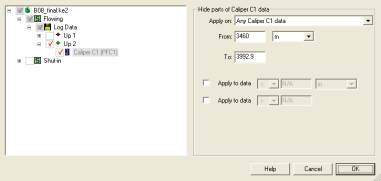
Fig. B08.9 • Hide parts dialog
The user is offered the possibility to hide parts of the selected pass on the depth interval just
defined with the mouse, above or below a certain value. The choices can be applied to other
passes too and/or to any other type of data.
Check the box ‘Apply to data >’ and enter 0.14 m.
Validate with OK.
Redo the same procedure for PFC2.
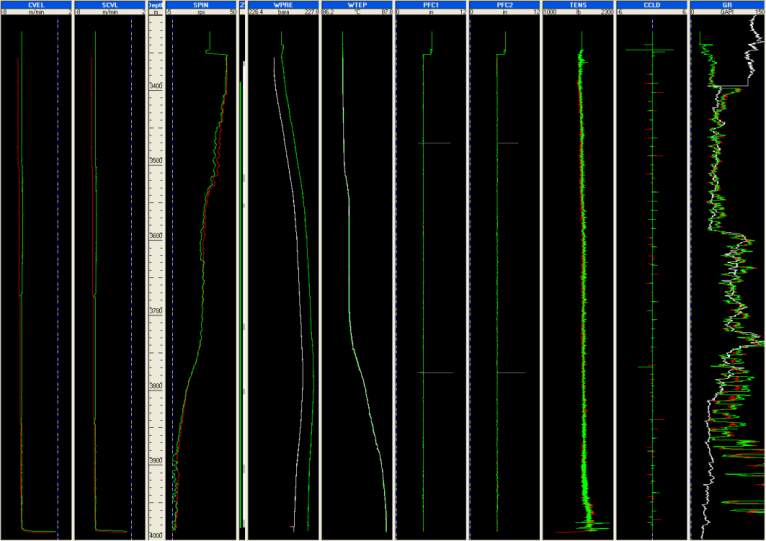
In the PFC1 and PFC2 tracks below, the hidden spikes appear in gray.
Fig. B08.10 • Display with caliper hidden parts

