Data Flat View
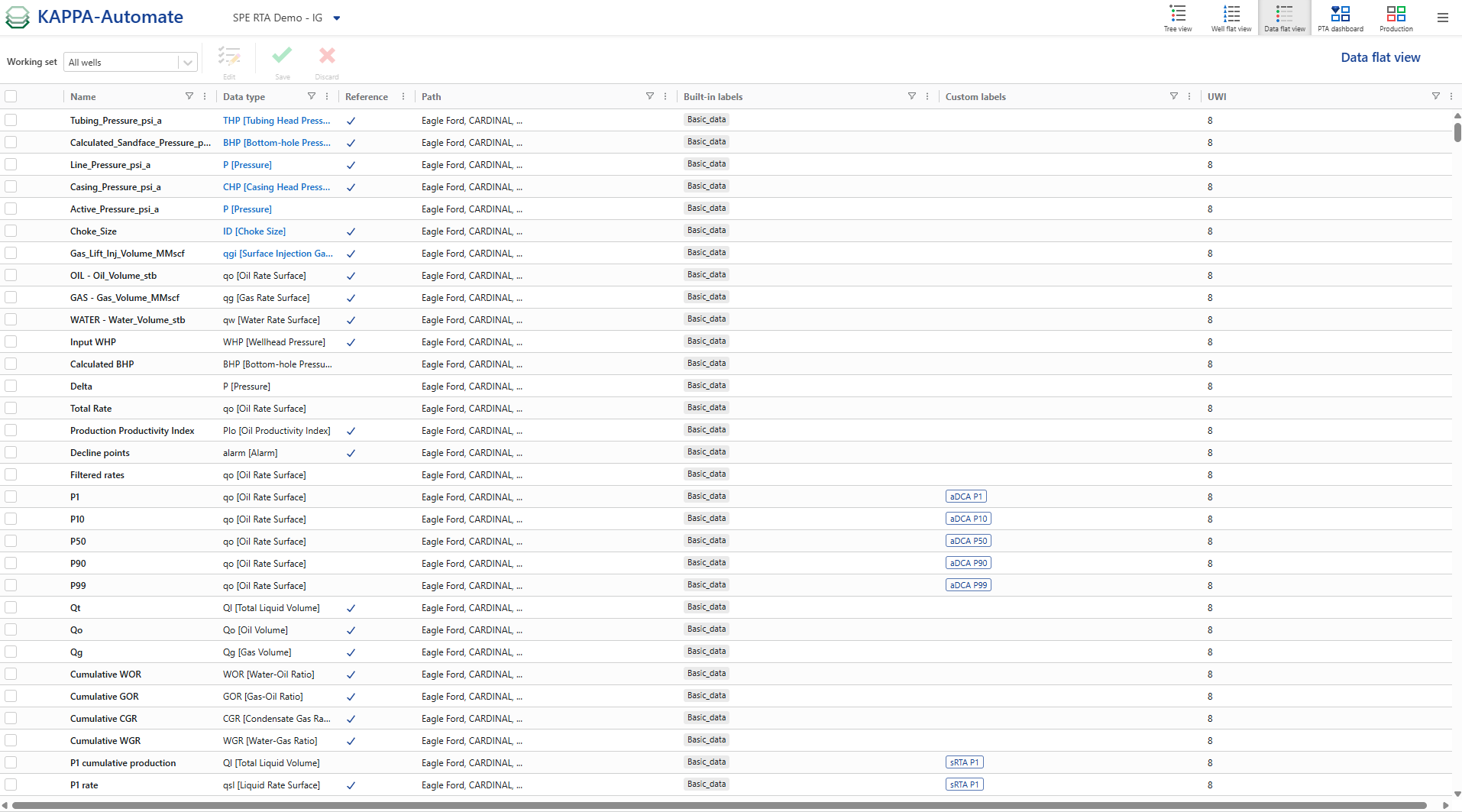
Presents all the gauges across the field as a flat list. It provides an instant view of all available data. It can be used to assign, or simultaneously change, data types and labels for a selected group of gauges.
To switch to this view, click on
 .
.
Note
Improved performance in the Data Flat View: for a high number of wells, timeouts no longer occur. The data now appears progressively, with the first results visible immediately.
At the top, you can see all the option available under this view.

In this view users can edit data types and add custom labels in bulk:
Select a group of pressure gauges with different data types (e.g. WHP, BHP).
Click on Edit ,
 .
.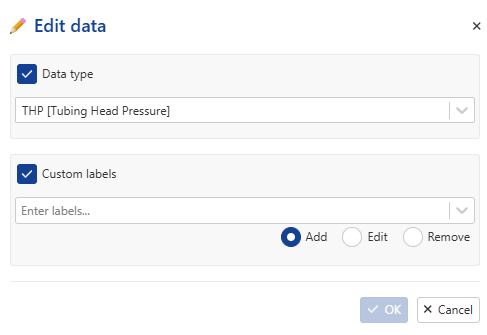
Modify data types and labels as needed.