Gauge Data Link in KAPPA-Workstation
When gauges are transferred from KAPPA-Automate (K-A) to KAPPA-Workstation (K-W) via browser drag and drop (see Exchanging Data with K-W), information about the link to the K-A gauge is also sent with it.
Viewing / Checking Gauge Server Information
In K-W, access gauge properties.
Go to the Server link tab.
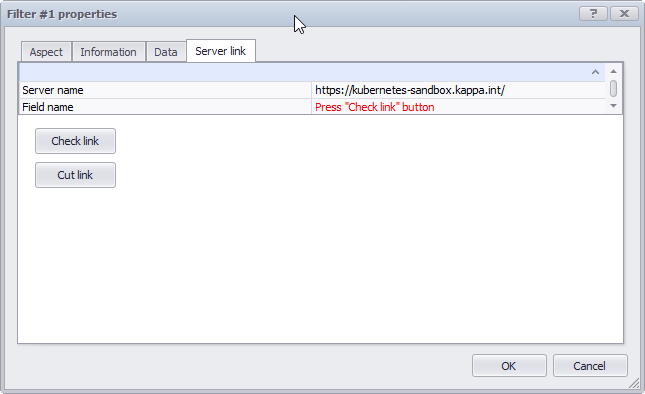
The Server name will be displayed in the first row:
Checking Server Link Status
Access gauge properties dialog -> Server link tab.
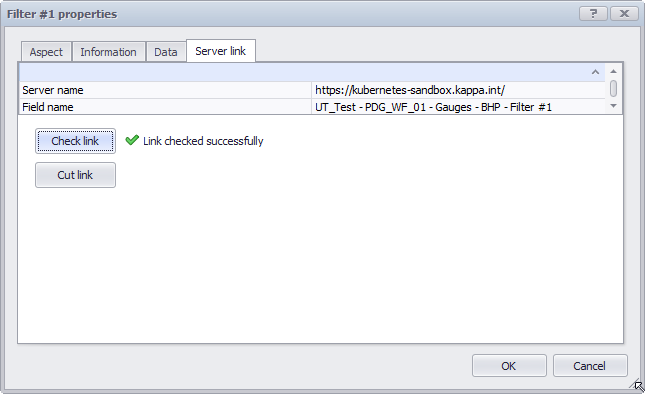
Click on Check link.
If the link is still active, the gauge path will be displayed in the Field name row:
Cutting Link to a K-A Gauge
Access gauge properties dialog -> Server link tab.
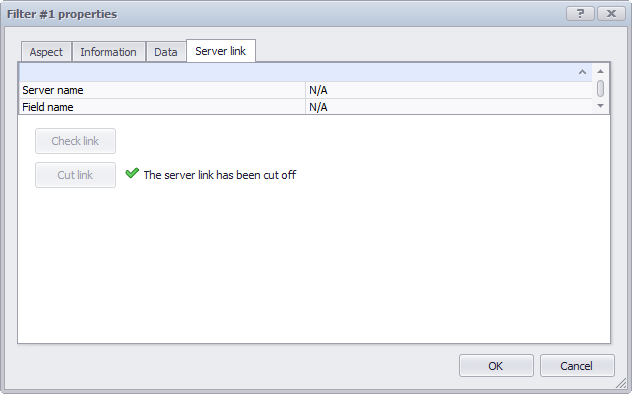
Click on Cut link.