Create a Multi Well Load
Once the field is created and displayed, a multi well can be added.
The multiwell load workflow applicable to external databases set up in KAPPA SQL schema.
Prerequisites
Necessary multiwell load data sources are configured and available.
User has appropriate permissions to create and manage multiwell loads.
Select the field node in the K-A hierarchy and under the Info tab, click on multi Well load
 .
.
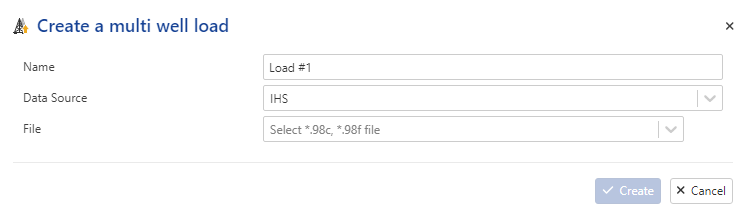
Enter a Name .
Select the appropriate Data source from the available data source configurations.
Note
It is possible to load Multi-well from IHS file data source.
Select an existing Tag from the list:
If the * (asterisk) option is selected, all wells from the external database will be imported.
If a specific tag (filter parameter) is selected, only wells that match the specified tag will be imported.
Grouping: If grouping parameters are defined in the configuration (e.g., by well type), the imported wells will be automatically organized into well groups within the field hierarchy.
Click on Create.
 |
All steps are shown in the .gif below.
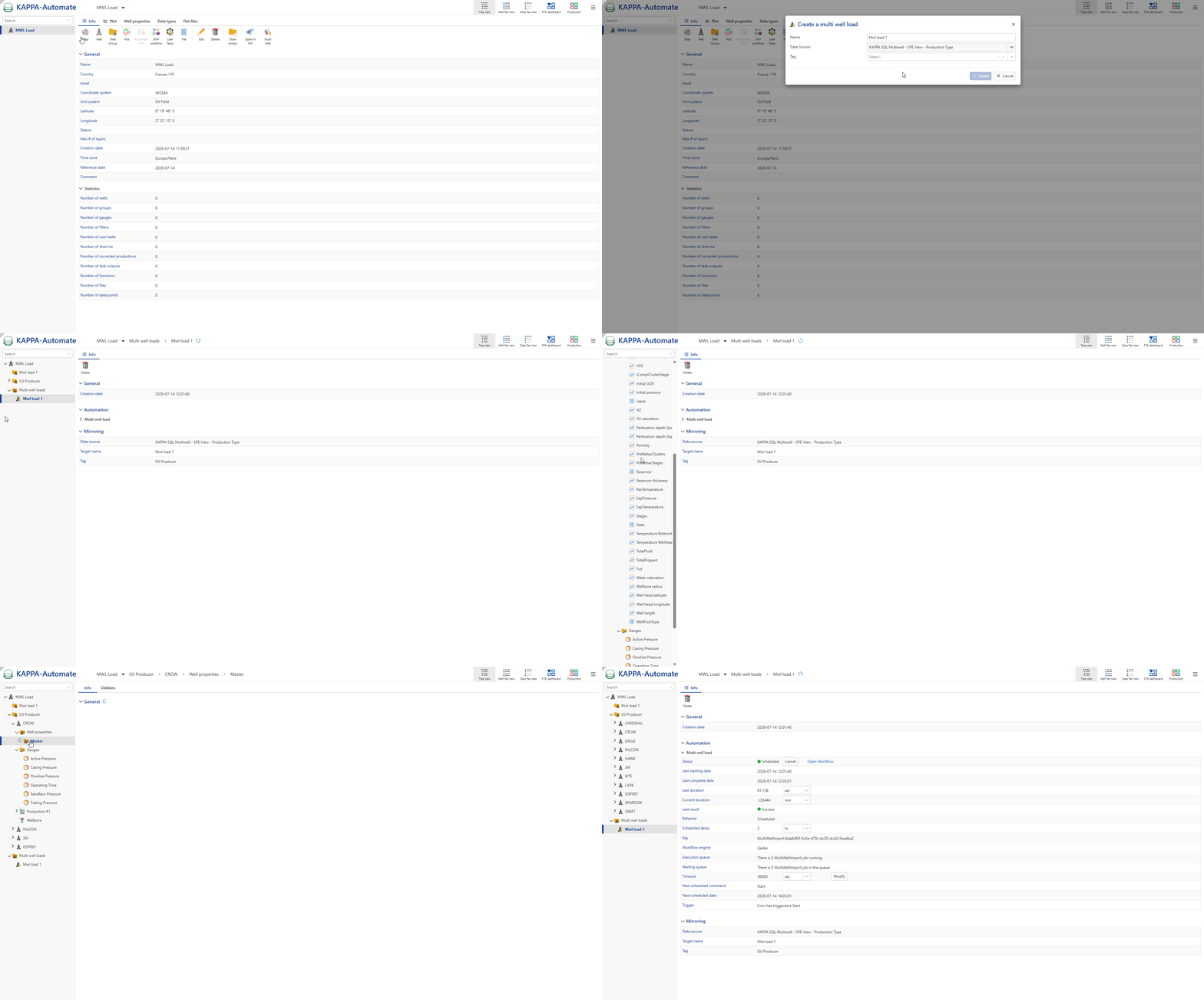
Multi Well Load Result view
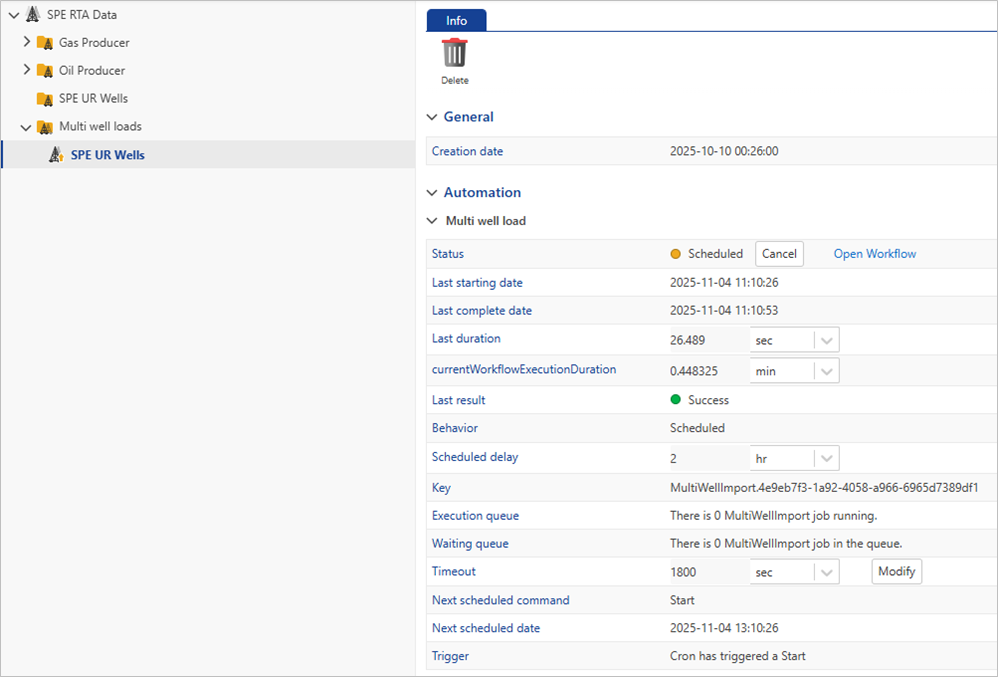
Once the multiwell load is triggered, a folder named ‘Multi well loads’ is created in the field hierarchy. All subsequent multiwell loads are stored within this folder.
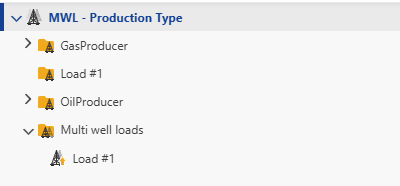 |
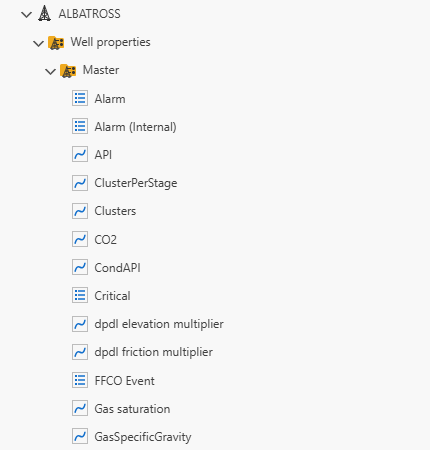
Then, the multiwell load workflow creates all wells defined in the data source along with their associated well properties and wellbore object. For each well, the system generates gauge data objects, which include gauges and production rate records. Each gauge is linked to a specific tag that identifies the source of the data from an external system.
|
|
|---|
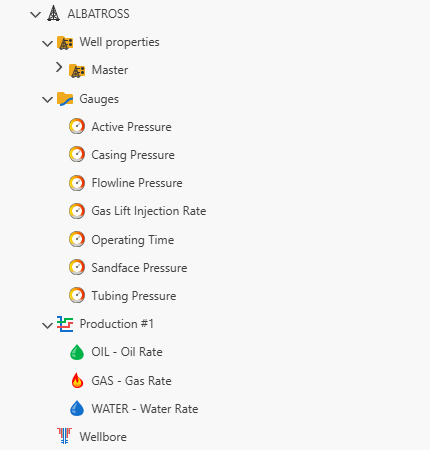
Once a gauge data object is created, a mirroring process is set up to regularly fetch new data. This process is scheduled to pull data every two hours and retrieves only the data added since the last successful mirror.
 |