Average pressure (KS)
Objectives
The objective of the user task is to calculate the average pressure by fixed time intervals.
Input
Pressure – pressure gauge.
Time interval – time interval for pressure data averaging.
Output
Average Pressure - pressure gauge with averaged values. Frequency of output data corresponds to the input time interval. The averaged values are recorded at the middle of the time interval.
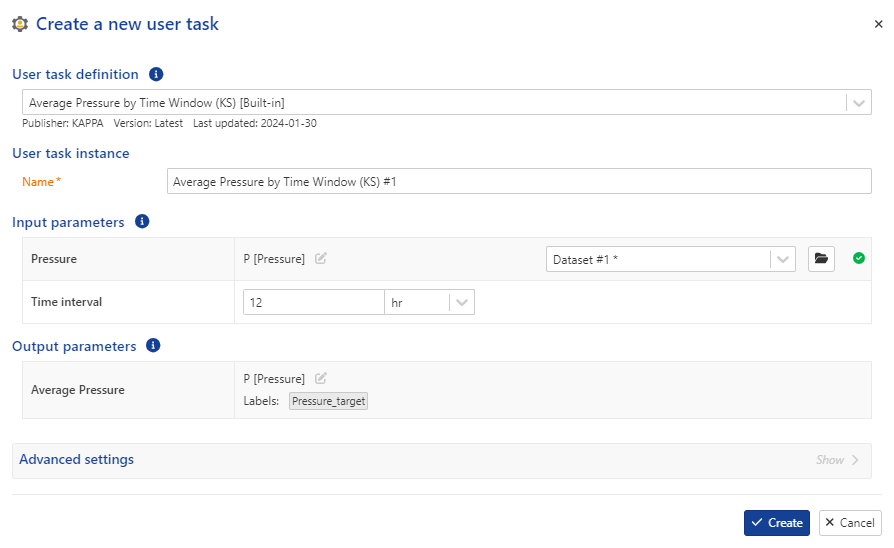 |
User task dialog
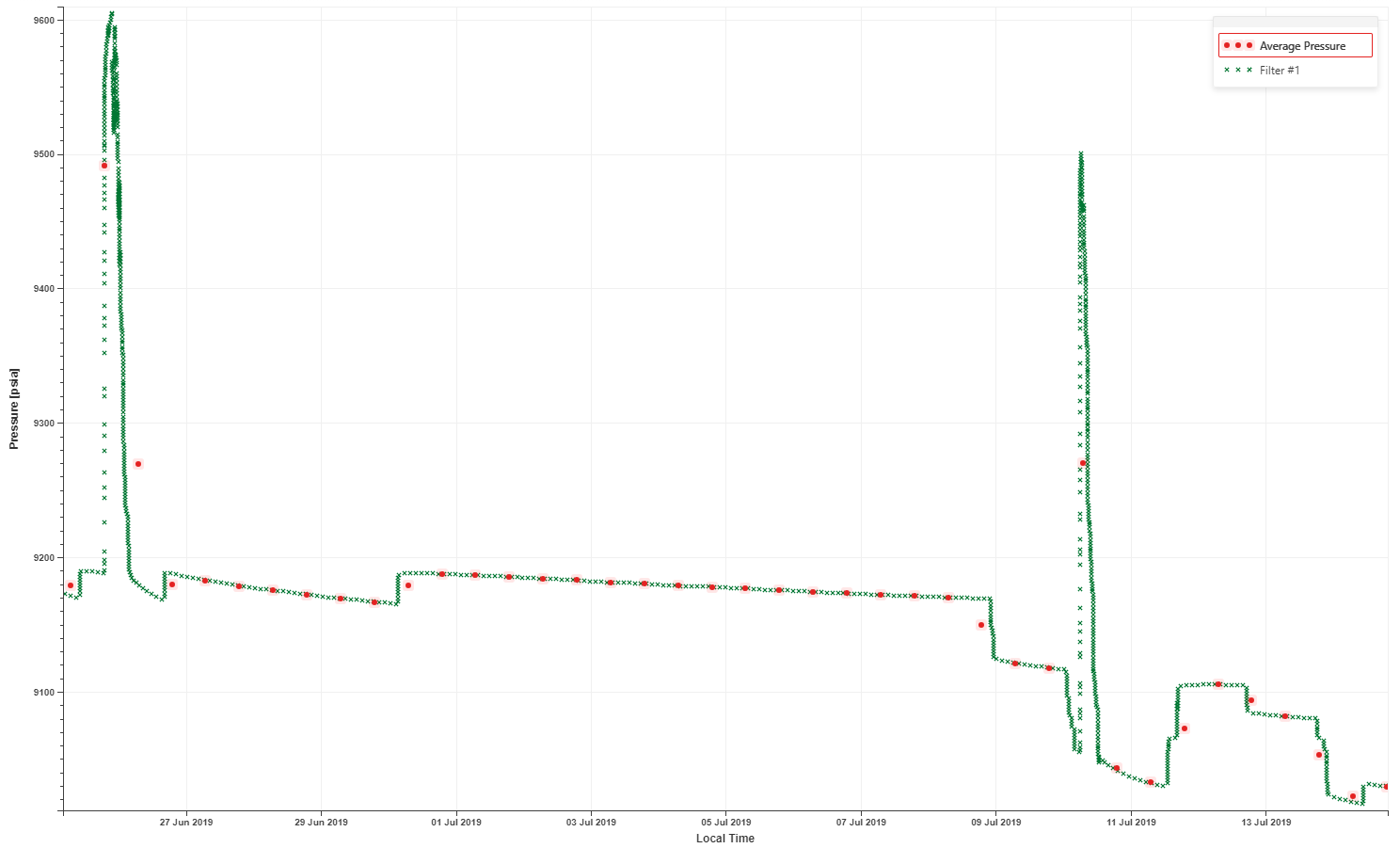 |
Input and output pressures
Average pressure (KS) user task definition
Procedure
At the well level, click on User Task ,
 , from the top options.
In the user tasks list, select Average Pressure (KS).
Assign another name to the user task, if required.
Define the pressure channel input.
Define the time interval.
Define the output data types and labels, if required.
Click Create.
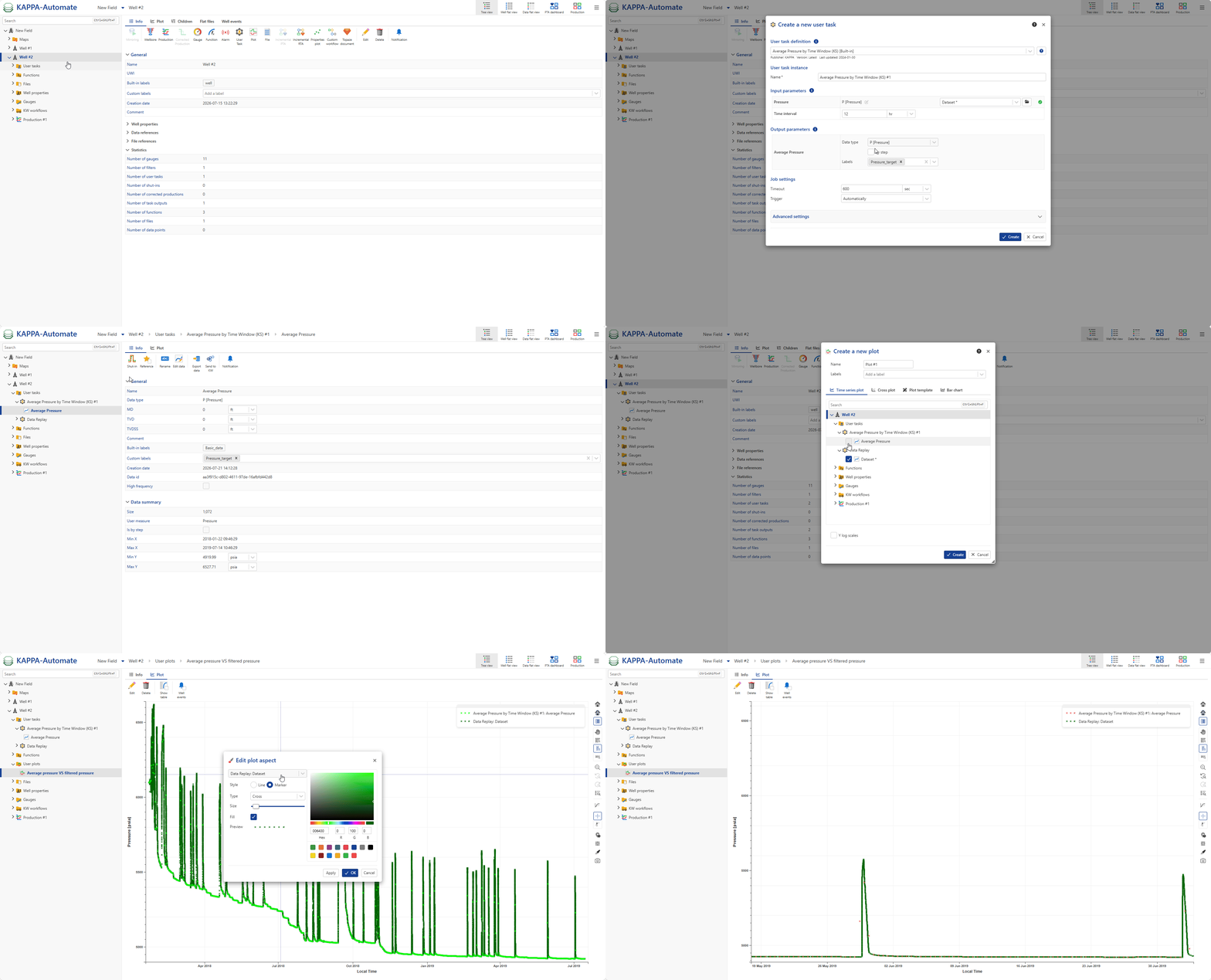
Plot the resulting averaged pressure together with the original pressure data on the same plot.
All steps are shown in the .gif below.