Customizing Data Types Catalog
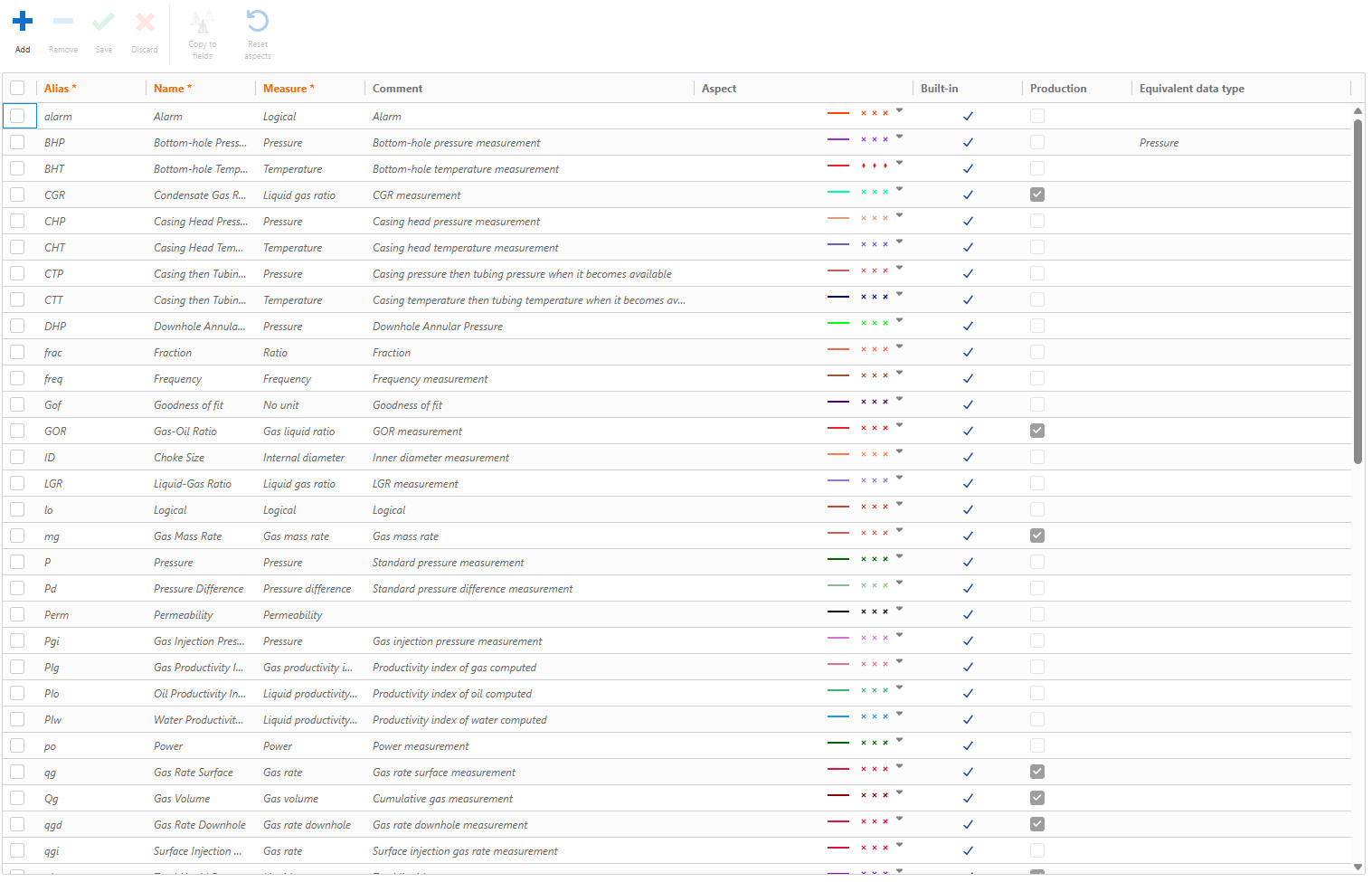
The Global K-A Data Types catalog can be accessed in the Model page under Automation Mode. Changes made here will not affect existing fields, only those created onwards.
The field data type catalog can be accessed during field creation by toggling to the Data Types tab in the field creation dialog (see Creating a New Field). Alternatively, it can be customized after a field is created by selecting the field node in the field hierarchy and toggling to the Data Types tab.
 |
Adding a New Data Type
Click on Add,
 , above the table.
Define the data type Alias, Name and Measure.
Comments and channel Aspect may also be defined.
Click on Save,
 , above the table.
Deleting a User Defined Data Type
In the Data Types table, select the user defined data type/types to delete.
Click on Remove,
 , above the table.
Note
Built-in data types cannot be deleted.