Managing Fields
Creating a Field
See Creating a New Field for more details.
Renaming a field
In PDG Mode, select the field.
Click on Rename,
 , at the top.
Edit the field name and click on OK.
Note
It is also possible to rename the field when the field in open. See Editing a Field below.
Editing a Field
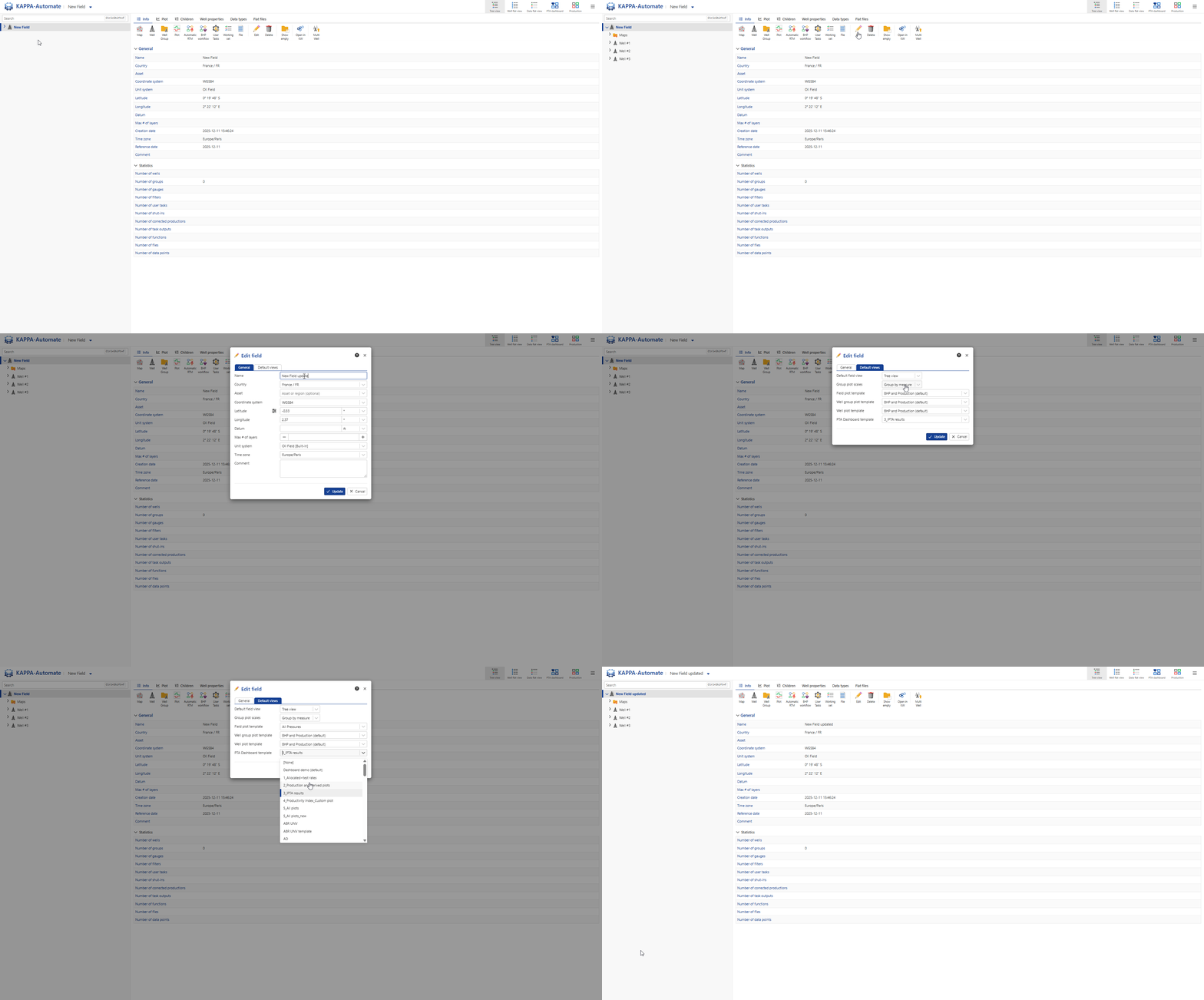
Select the field in the field hierarchy.
Click on Edit,
 , in the toolbar at the top. Alternatively, right click on the field node in the field hierarchy and select Edit.
Edit the field attributes as needed.
Click on OK.
All steps are shown in the .gif below.
Deleting a Field
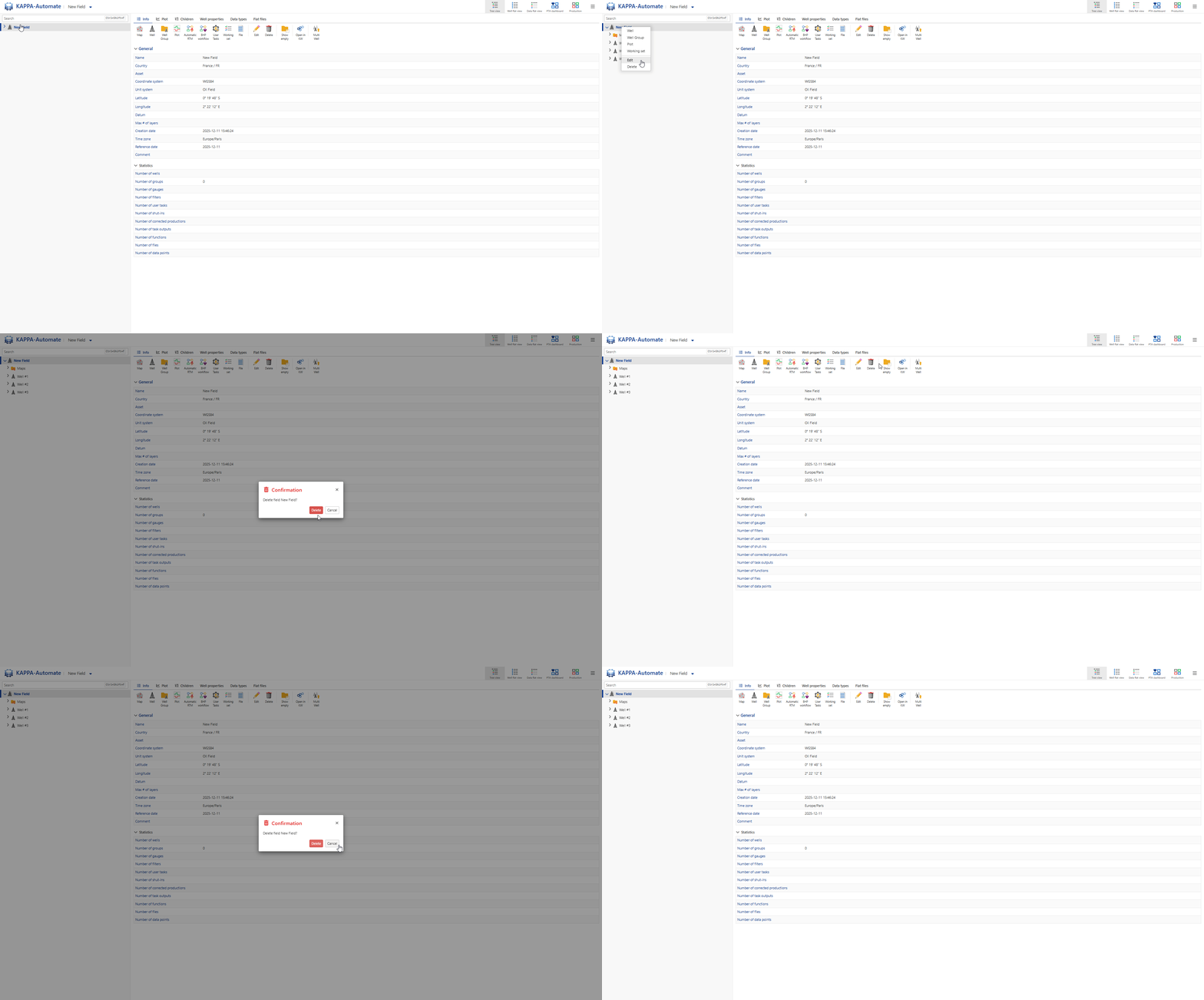
With the field opened, right click on the field node in the field hierarchy and select Delete.
In the Confirmation dialog, click on Delete.
Or,
In PDG mode, select the field.
Click on Delete,
 , at the top.
All steps are shown in the .gif below.