Managing Filters
Adding a Filter
Filters can be added to High Frequency Gauges. See Adding a Filter for more details.
Editing a Filter
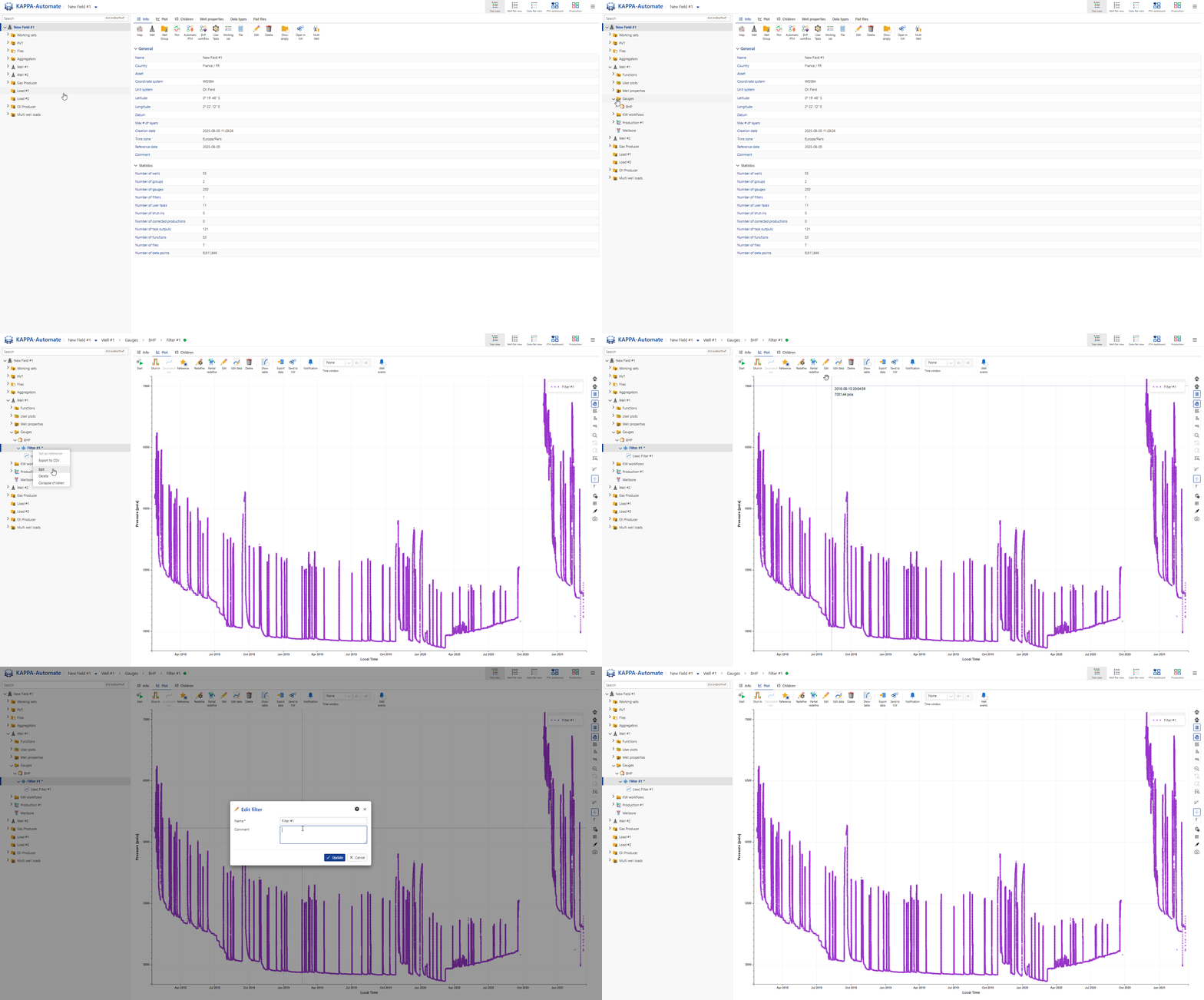
Select the filter in the field hierarchy.
Click on Edit,
 , in the toolbar at the top. Alternatively, right click on the filter in the field hierarchy and select Edit.
Enter the new name and click on OK.
All steps are shown in the .gif below.
Redefining a Filter
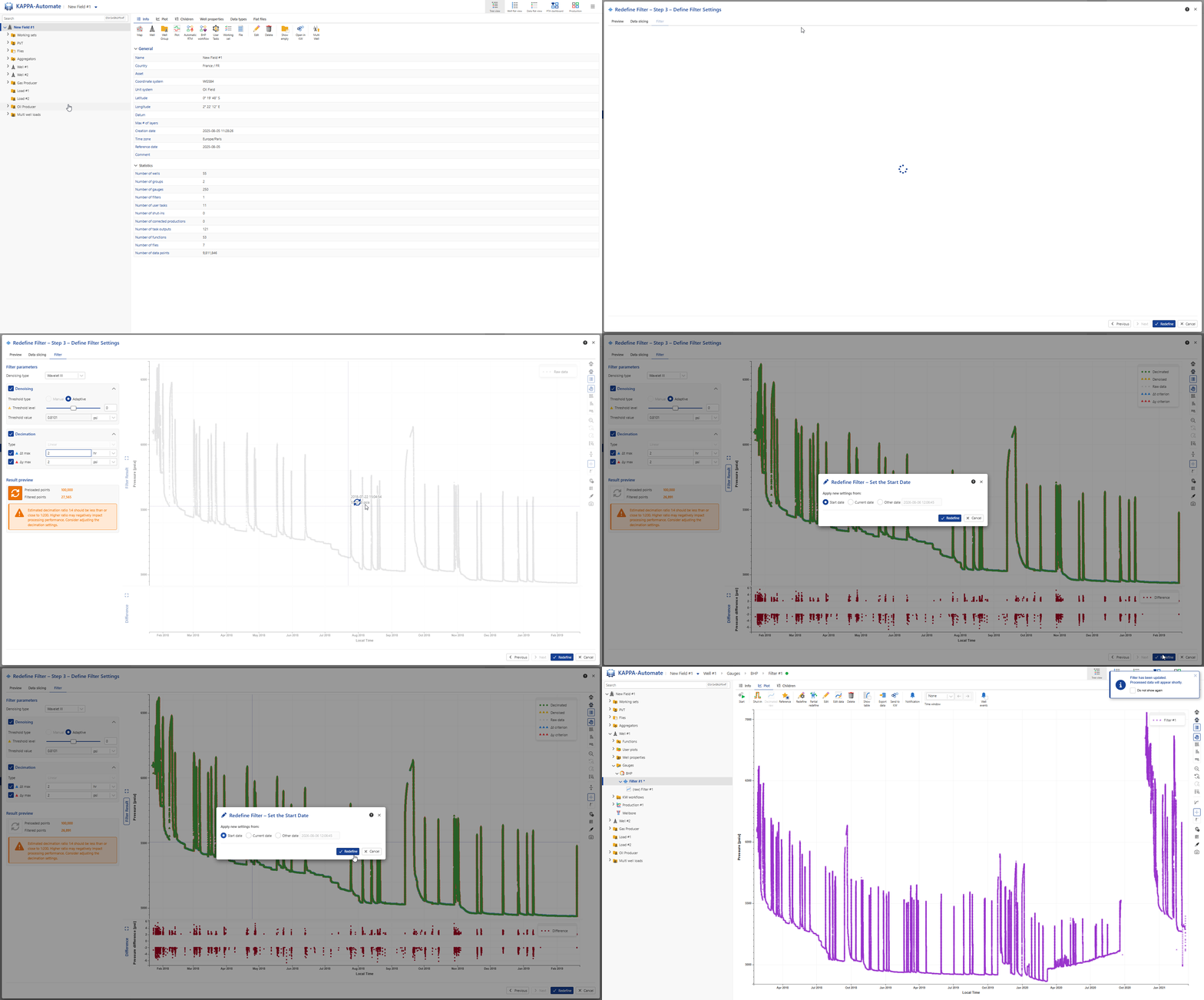
Select the filter in the field hierarchy.
Click on Redefine,
 , in the toolbar at the top.
This will launch the filter redefinition wizard, which will take the user through the same three steps as Adding a Filter, where the filter settings may be redefined.
Click on Redefine.
All steps are shown in the .gif below.
Deleting a Filter
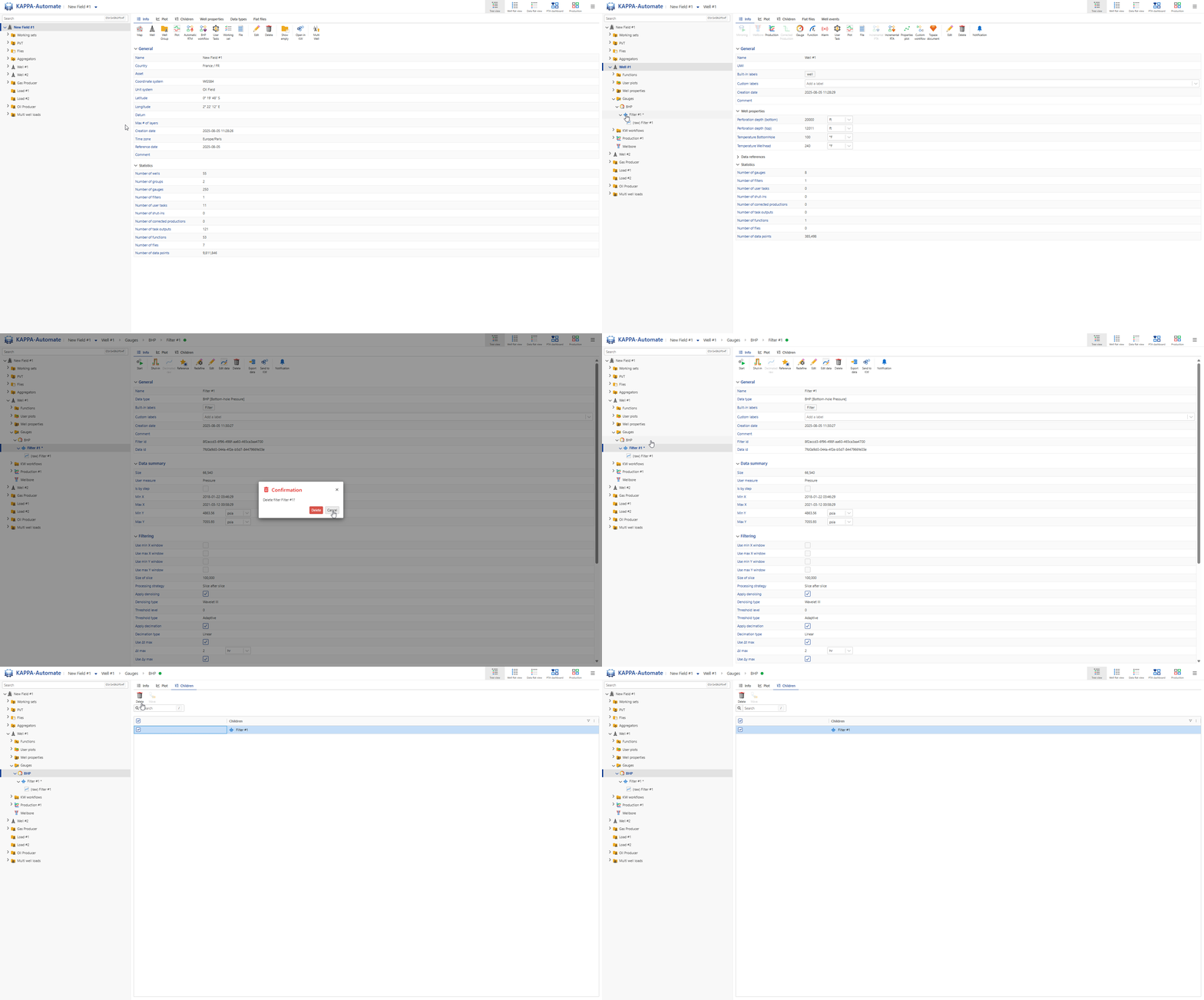
Select the filter in the field hierarchy.
Click on Delete,
 , in the toolbar at the top. Alternatively, right click on the function name and select Delete.
In the Confirmation dialog, click on Delete.
Or,
Select the parent gauge in the field hierarchy.
Go to the Children tab.
Select the filters for the selected gauge to delete.
Click on Delete,
,.
All steps are shown in the .gif below.