Defining Functions/Alarms
Switch to Automation mode.
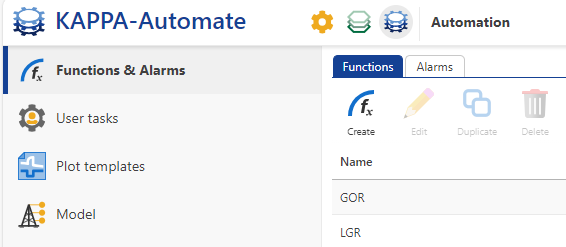
To create a Function click on Create,
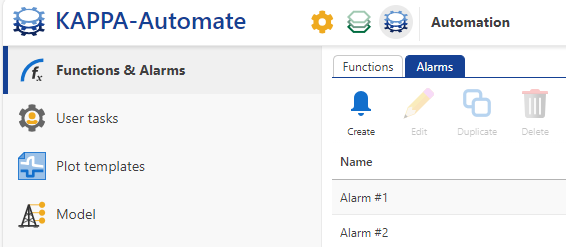
 , in the Functions tab at the top. To create an Alarm switch to Alarms tab and click on Create,
  .
.
Give the new function/alarm a Name. Name must be unique and can be a combination of letters, symbols and numbers.
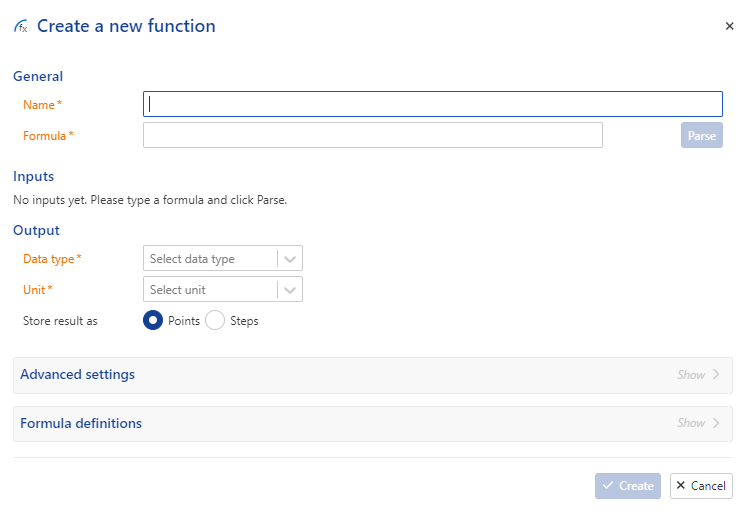
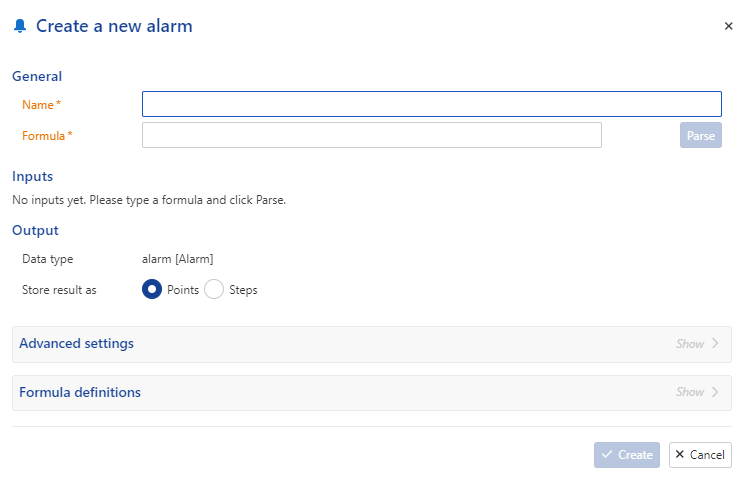
Define the function/alarm Formula. It is a character string with variables and a large choice of functions (arithmetic, logic, etc), which can be viewed under the Formula definitions panel. The output data type for alarm is “alarm”, so the formula should contain a binary relation.
Note
KAPPA-Automate functions are compliant with mXparser library.
Click on Parse.
Define the different variables in the Formula. Each input formula parameter can be either a Dataset , a Well property or a Constant. Dataset Type, Units and Label can be selected from the corresponding dropdown list. New labels can also be defined here by simply typing in the new name and hitting Enter.
Important
The Constant value entered here will be the default value when an instance of the function is created. This value can be edited when creating an instance of the function.
Labels can be added to well property inputs in function definition.
For a function define the Output Data type and Unit .
If the default Data Synchronization needs to be edited, it can be done under the Advanced settings panel.
Click on Create.