Job Options
Users can Force task execution, allowing selected tasks to jump the queue and run on a separate pool dedicated to high‑priority jobs. The timeout duration for each task can also be edited. Both options are available under the Info tab in the Automation dialogue.
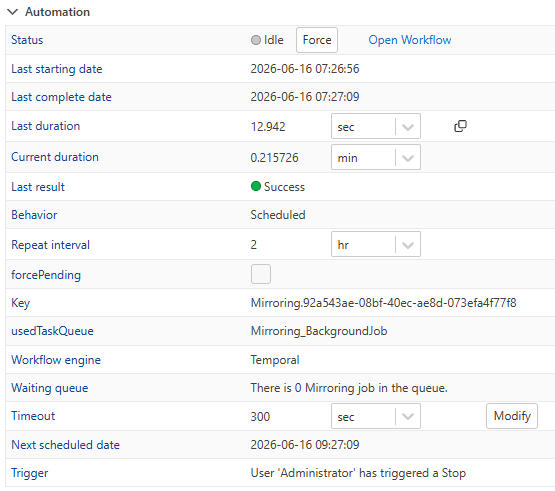 |
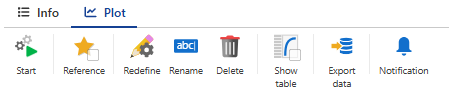
Users can also Start/Stop task execution.
These controls are available in both the Info and Plot tabs of the Automation dialogue, with dedicated buttons  /
/  .
.
 |
Users can start all mirroring jobs in bulk under a specific well using the dedicated button , , located in the top well options.
 |