Document Preprocessing
Documents of any kind can be uploaded in a field, including K-W documents. When Saphir or Topaze documents are uploaded under a well or field, they are automatically pre-processed by KAPPA-Automate. The following are read as part of document pre-processing:
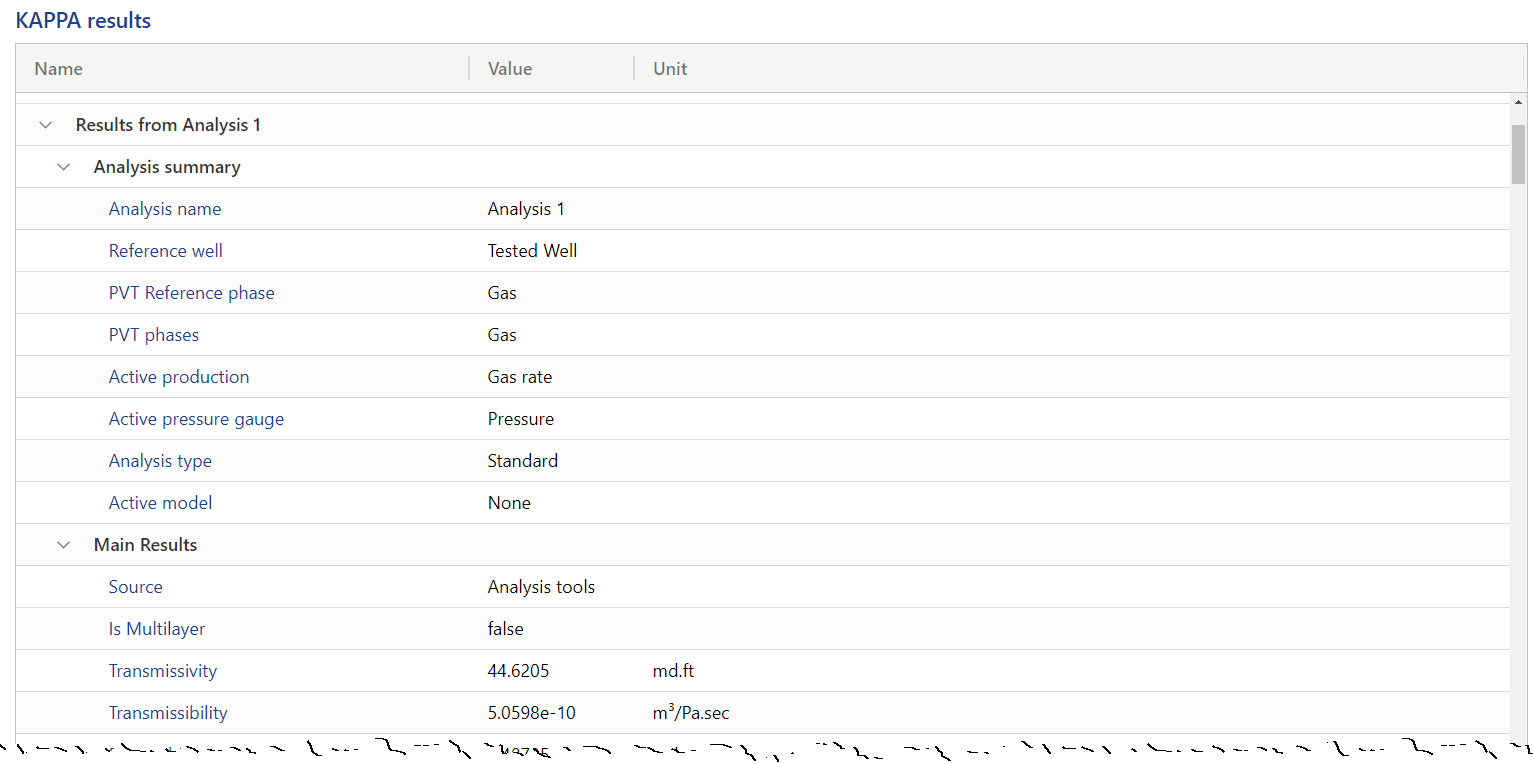
Analyses results: To view analyses results, click on the file in the document hierarchy, go to the Info tab and scroll down to the table under the KAPPA results section:
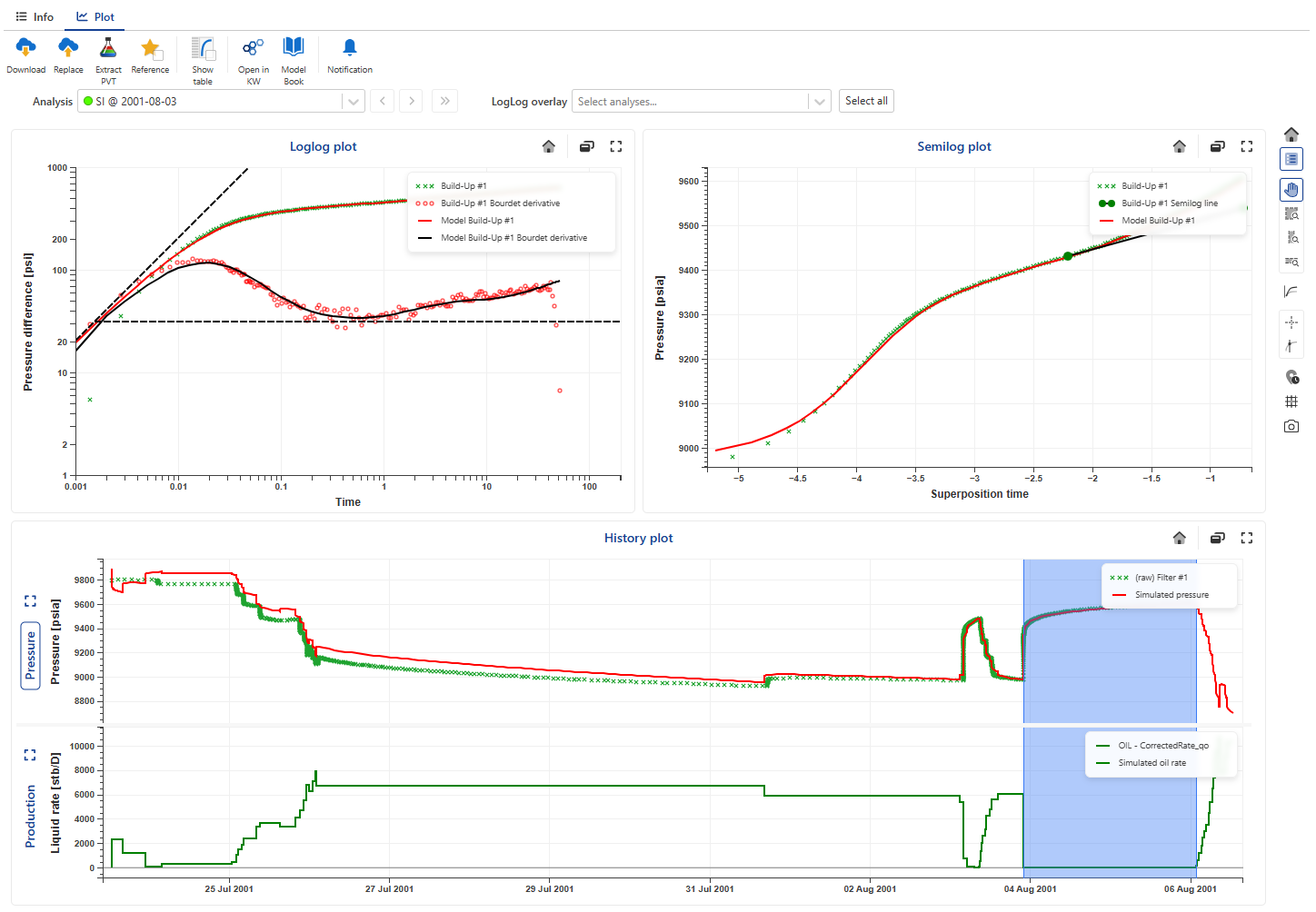
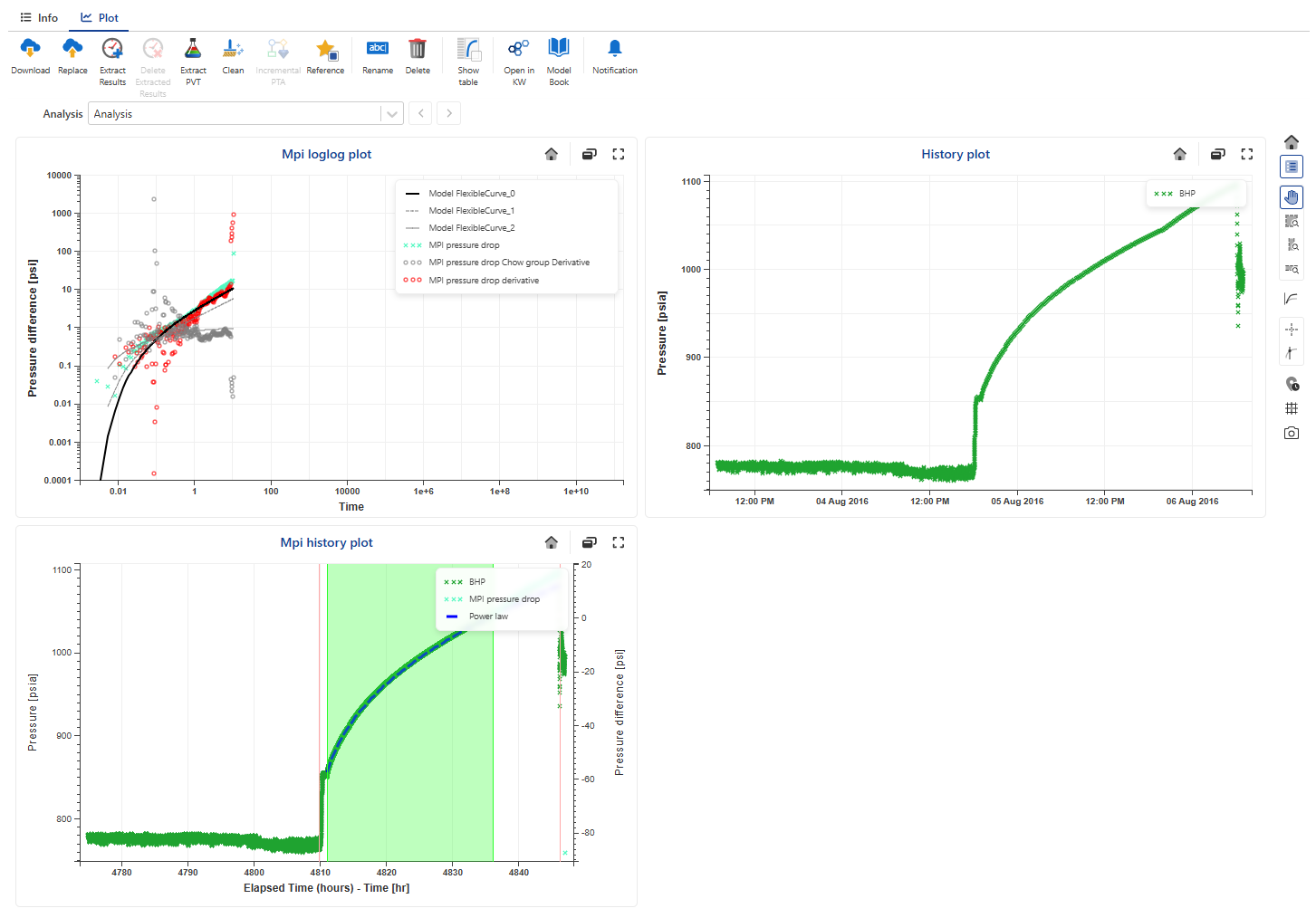
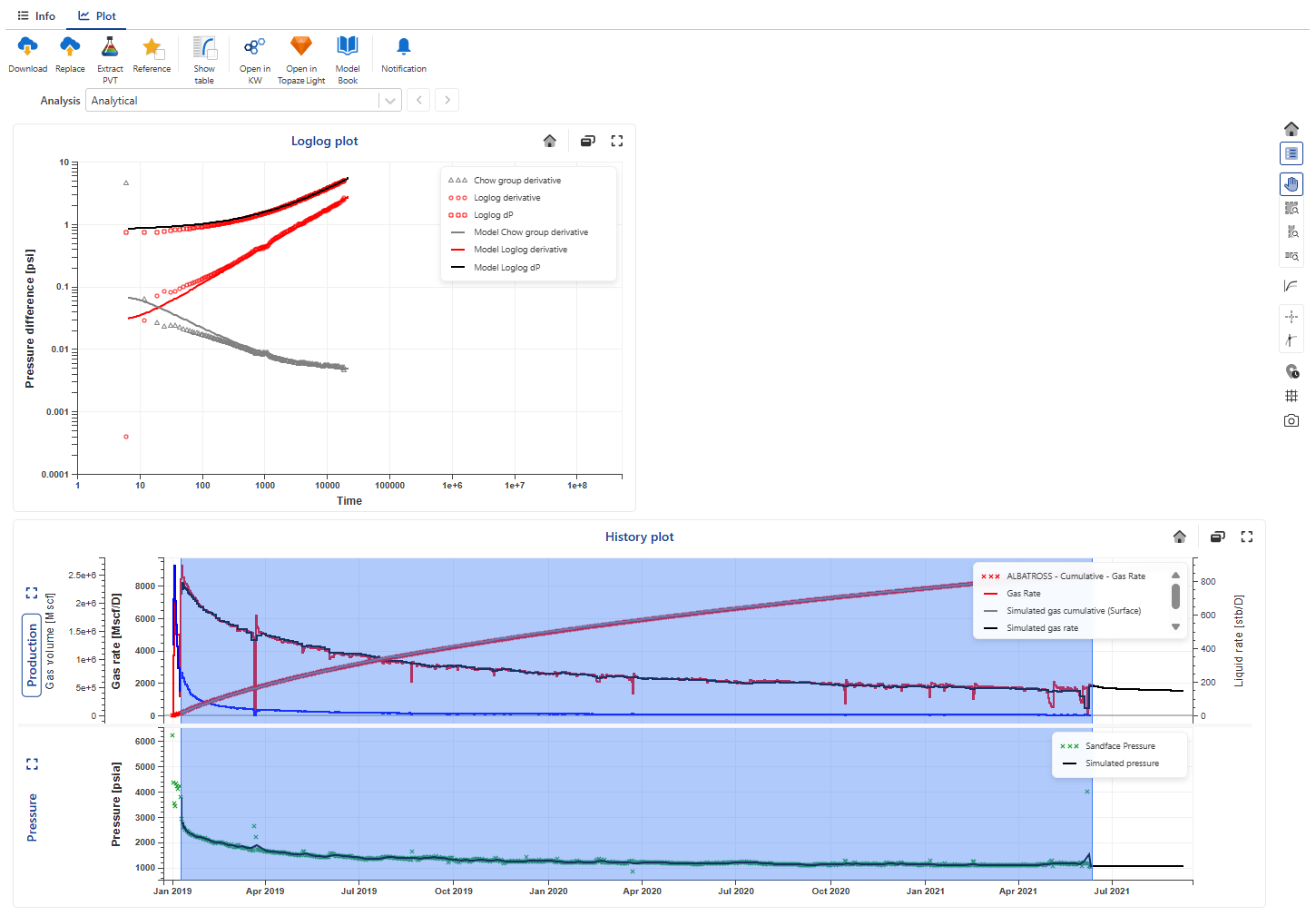
Analysis plots: To view analyses plots, click on the file in the document hierarchy and go to the Plot tab (see Item Plots for more details). Users can toggle through the different analyses in the file as well as the plots in each. The following plots are available to view:
Saphir: Loglog plot, History plot and Semilog plot (including lines and markers, if present), as well as MPI Log‑log and History plots.
Topaze: Loglog plot and History plot
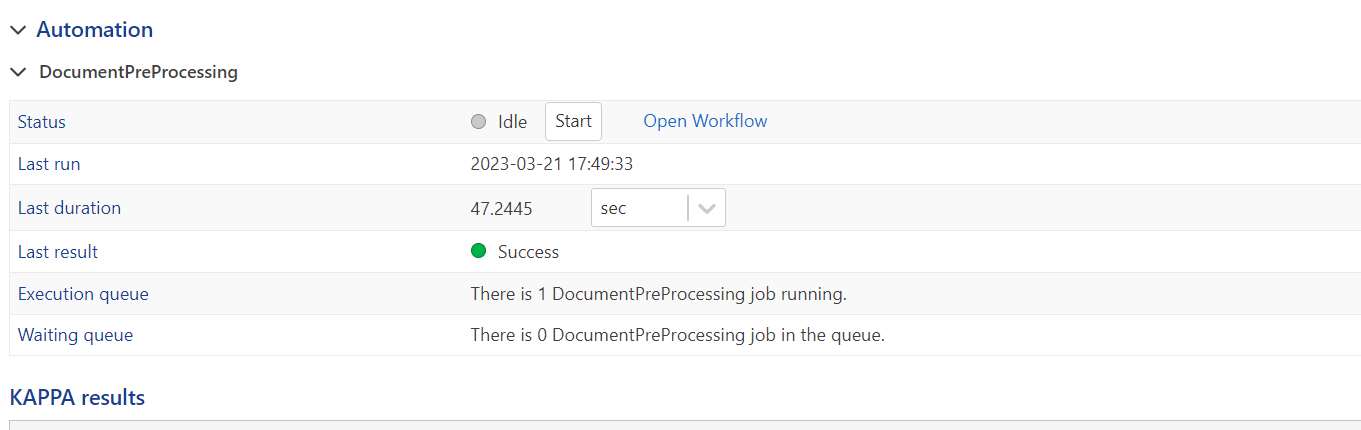
Preprocessing Status
The preprocessing status can be checked under the Info tab, under the Automation -> DocumentPreProcessing section:
 |