User Interface Overview
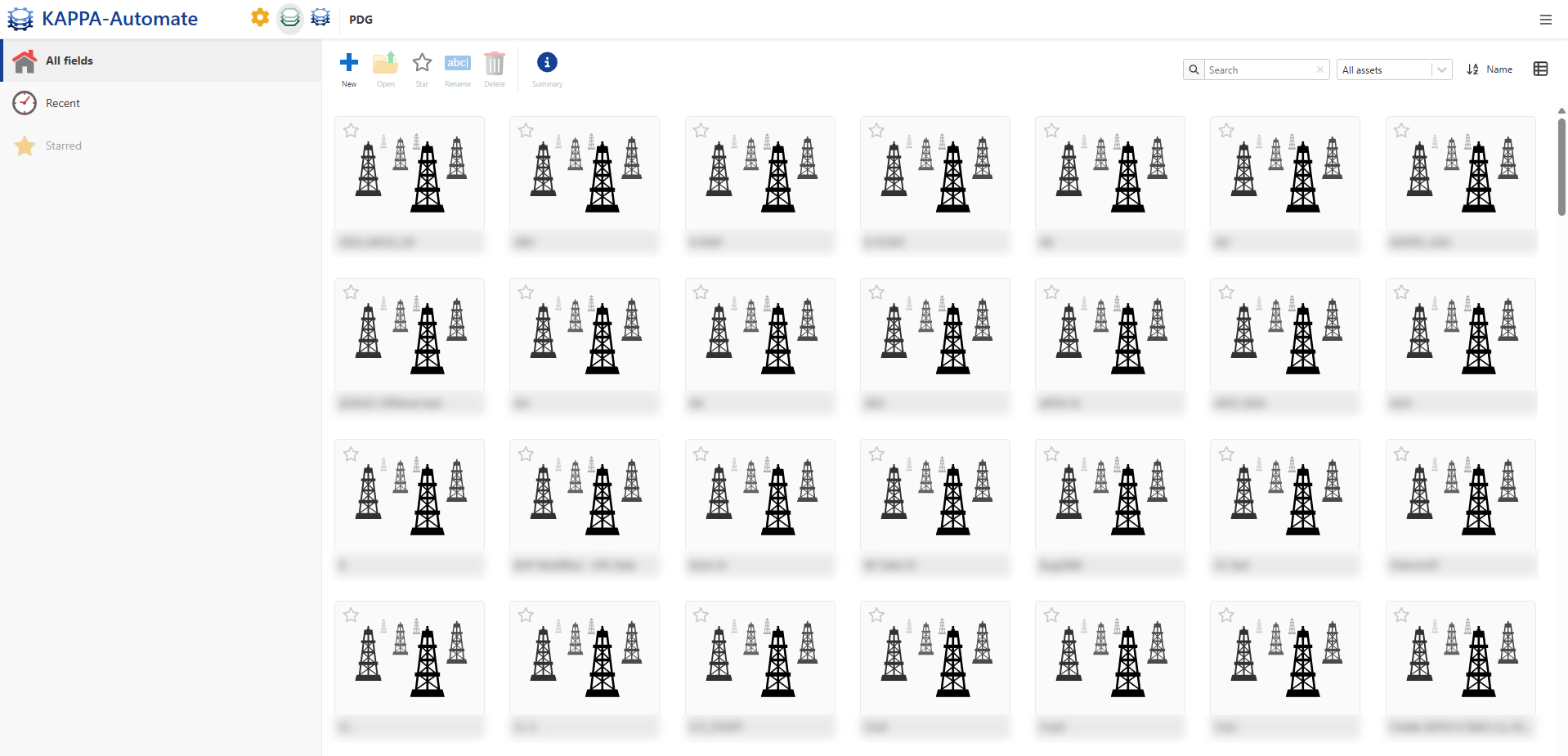
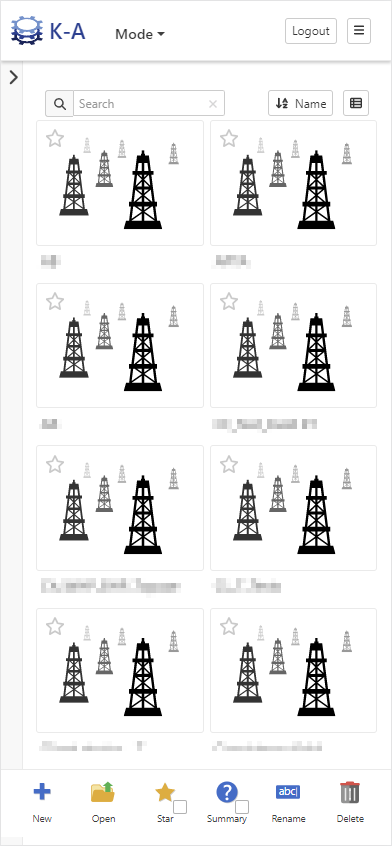
The User interface of KAPPA-Automate (KA) is a web-based client application with built-in responsive design. End users can access the application from PCs, Tablets or Smart phones using a web browser.
 |
 |
Note
This user guide will focus on describing the PC web based version of the user interface. The other options are highly adaptive to the screen size of the device used and may omit some functionality that would be inconvenient for the user to operate due to the screen size.
Accessing KAPPA-Automate
Open a web browser (Internet Explorer, Edge, Chrome, or any other compatible browser).
Type the name of the KAPPA-Automate server into the URL address field, https://server-name (Please consult your local IT support to obtain the correct URL name).
Note
When a version is more than 6 months old, a warning banner will appear to let them know they should update it, and when this warning is closed it will instead be replace by a little orange indicator in top left corner.
Warning messages
Outdated version warning
When a version is more than 6 months old, a warning banner appears to inform the user that an update is recommended. If the user closes this banner, it is replaced by a small orange indicator in the top left corner.
Connection lost warning
A message appears: “Connection restored. UI may not be up to date.”
This reminds the user to refresh the page to ensure the interface is updated.
Overview of Modes
The KAPPA-Automate landing page is the PDG Module which has four main sections:
KAPPA-Automate mode

Note
By clicking on the ,
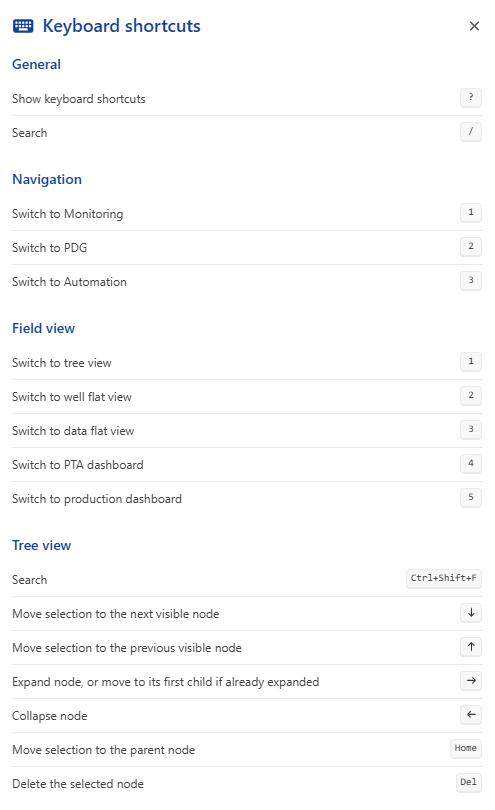
 , on the top right, a pop-up dialog opens, allowing you to::
Access the online help
Keyboard shortcuts.
View platform and services version information
View license information
Access the End User License Agreement (EULA)
View user information (email address and User ID)
Access a direct link to download the Load Tool
Log out from the platform
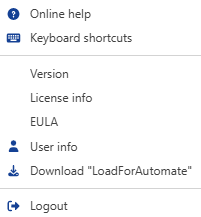
Context menu

Quick Navigation Pane
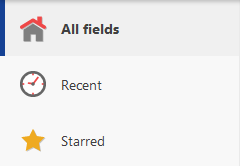
Fields (Producing Assets)