Well Group
Wells can possibly be organized in well groups.
Creating a well group via the children tab
Under the desired Field node, switch to the Children tab.
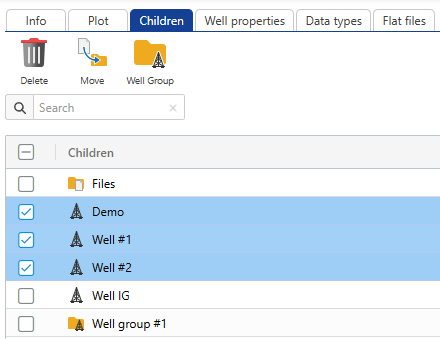
Select the wells you want to group.
In the pop-up dialog, enter a name and provide any necessary inputs.
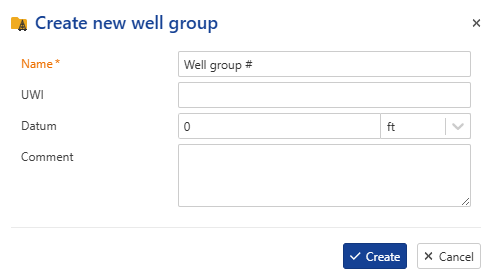
Click on create.
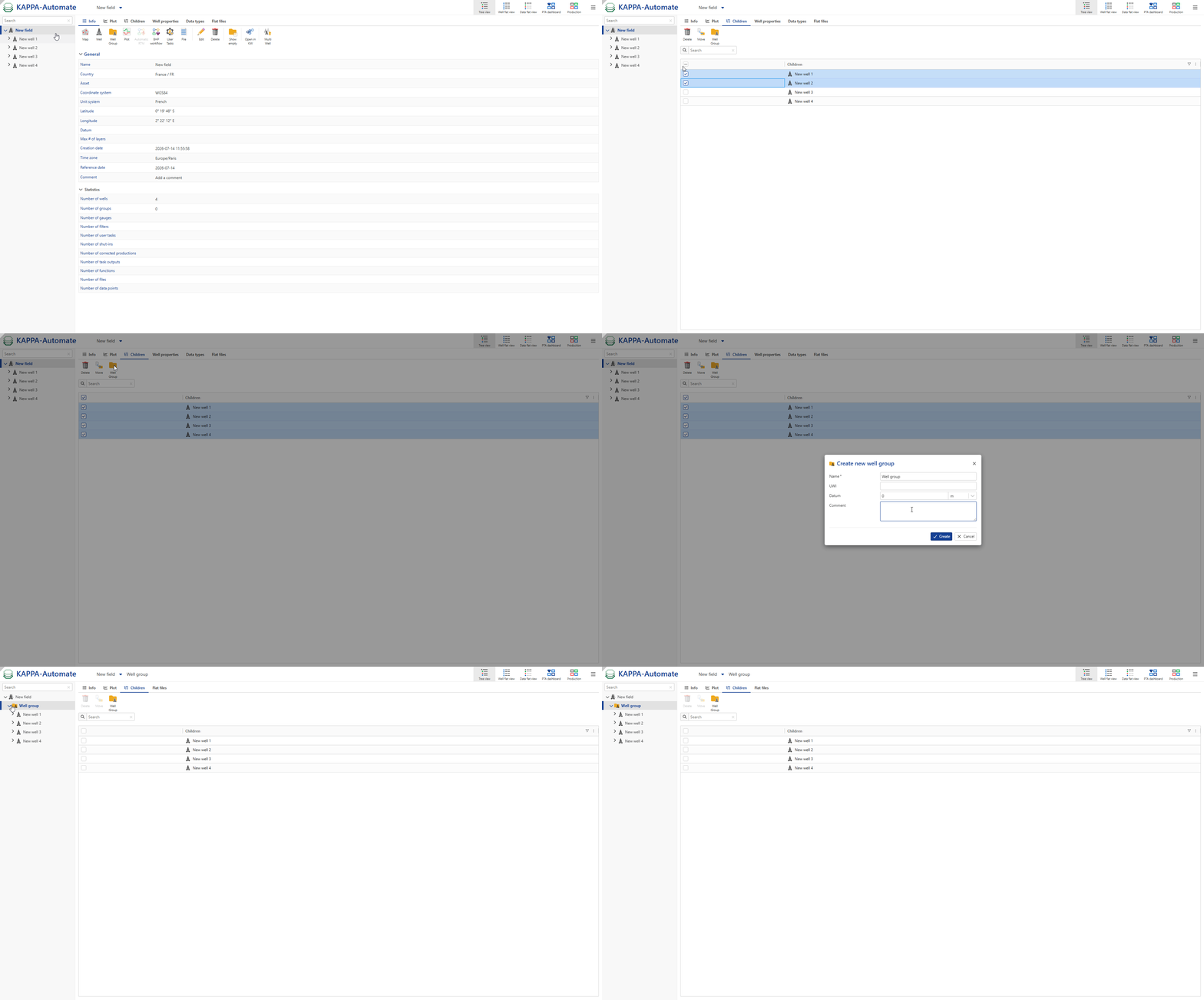
All steps are shown in the .gif below.
Moving objects via the children tab
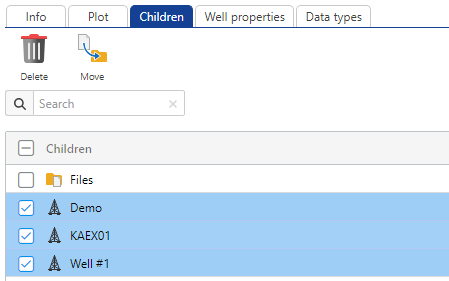
Multiple objects, such as well groups, wells and gauges, etc. can be moved simultaneously. To do so:
Select the the level from which you want to move the objects.
Switch to the children dialog.
Select the objects you want to move.
Click on Move ,
 .
.
Choose the destination level where you want to move the objects.
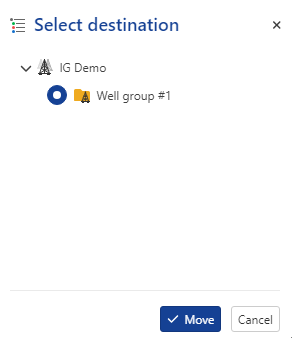
Click on Move
All steps are shown in the .gif below.