Managing Wells
Adding a Well
See Adding a Well for more details.
Editing a Well
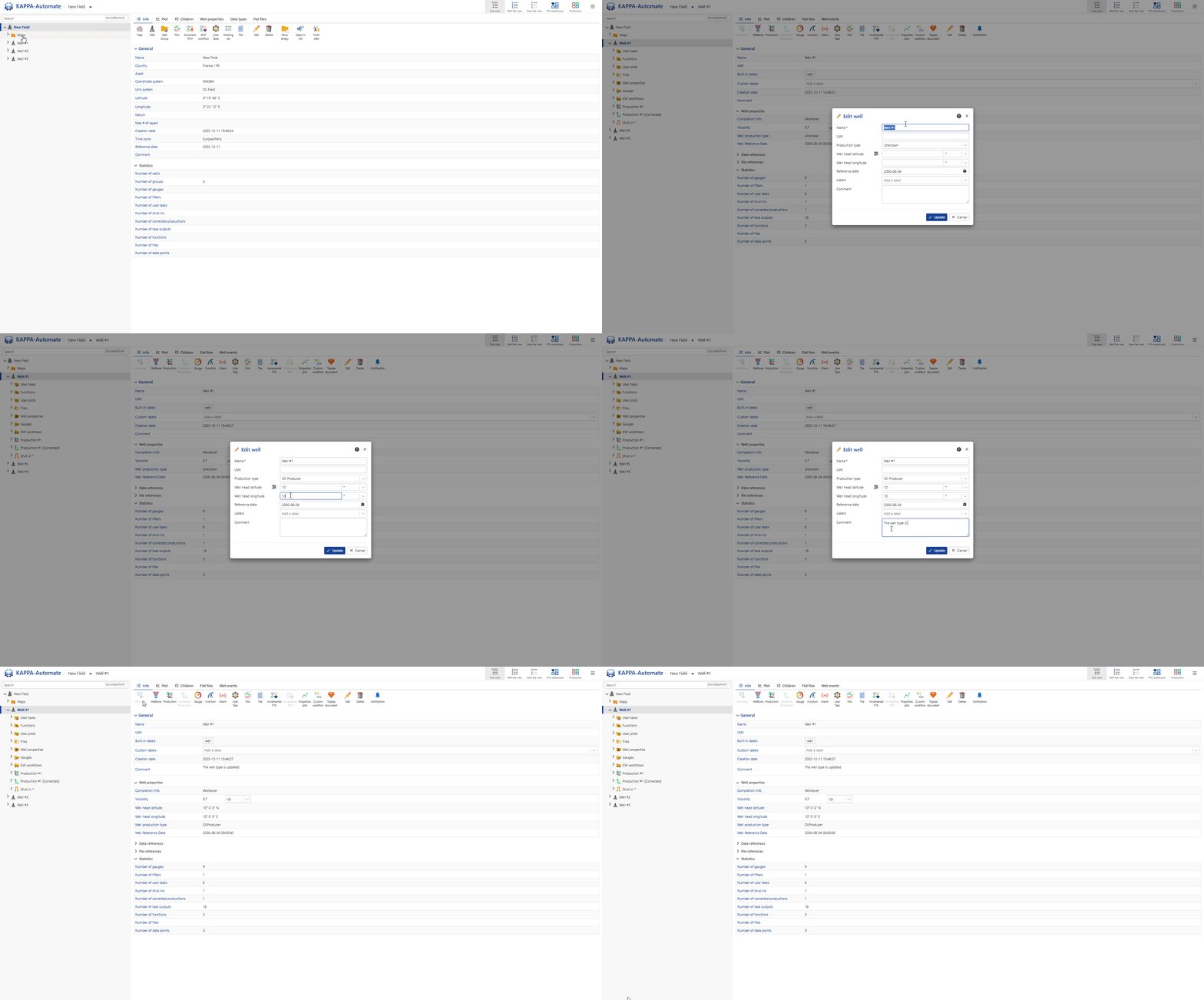
Select the well in the field hierarchy.
Click on Edit,
 , in the toolbar at the top. Alternatively, right click on the well in the field hierarchy and select Edit.
The following attributes/properties can editing in the dialog:
Well name
UWI
Production type
Well head longitude & latitude
Refrence date.
Labels.
Comments.
Click on OK.
All steps are shown in the .gif below.
Deleting a Well
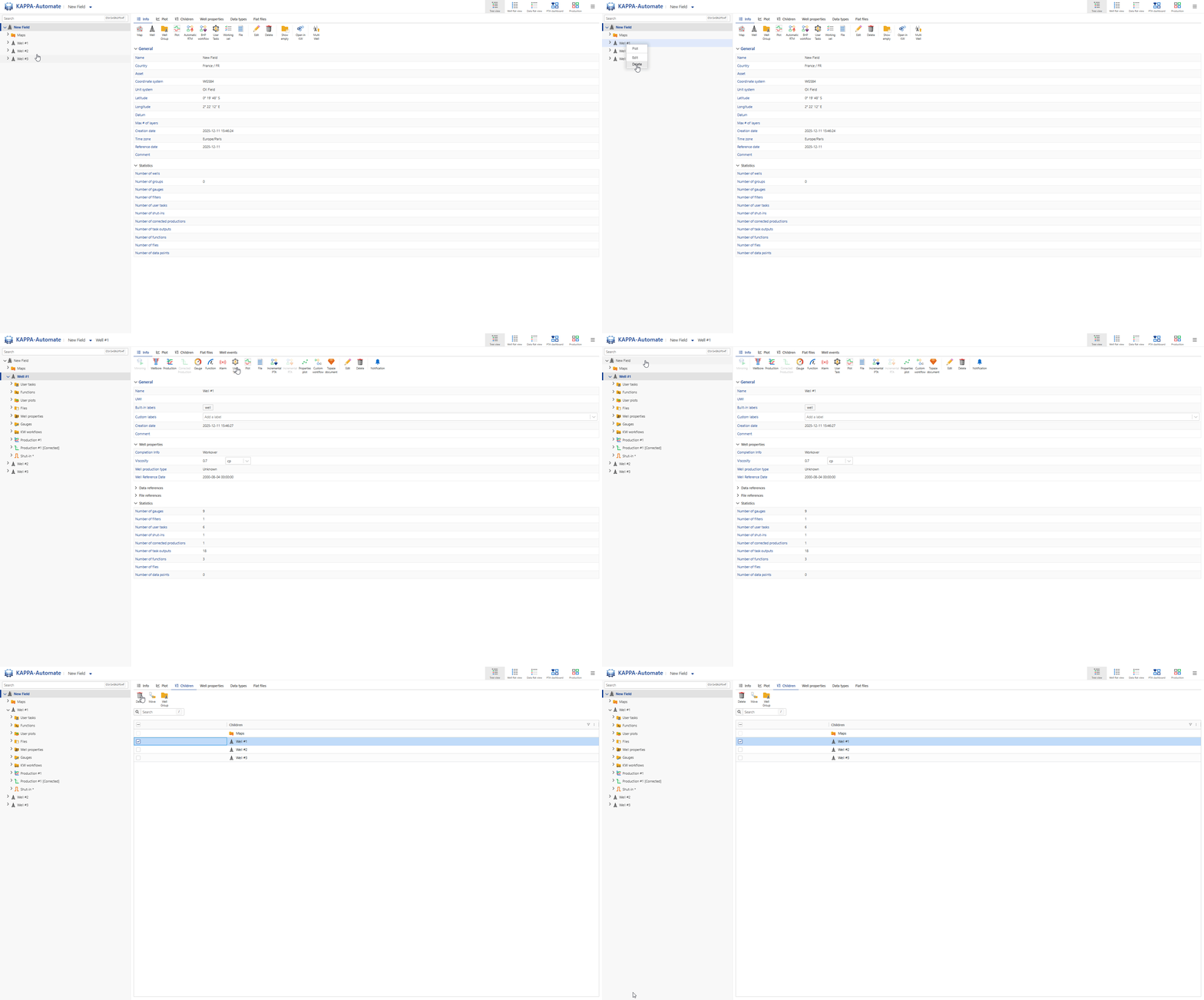
Select the well in the field hierarchy.
Click on Delete,
 , in the toolbar at the top. Alternatively, right click on the well name and select Delete.
In the Confirmation dialog, click on Delete.
Or,
Select the field node in the field hierarchy.
Go to the Children tab.
Select the wells to delete.
Click on Delete,
,.
All steps are shown in the .gif below.