Daily Pressure Calculation (KS)
Objectives
The objective of the user task is to obtain daily pressure values at a given time of the day; this allows to get the data synchronized with rates that could be used for history matching.
In case there is no pressure measurement at the required time the algorithm takes interpolated values between two neighbouring measurements; if the time period between the required time and at least one of the times of a neighbouring points is bigger than a preset number of hours the value is not calculated.
Input
Time of the day– time of the day when the daily pressure needs to be recorded (date can be ignored when setting the time).
Input pressure – pressure gauge.
Minimum gap duration – minimum time period between daily pressure to be recorded and neighbouring pressure measurements.
Output
Output pressure - pressure gauge with values at the time of the day.
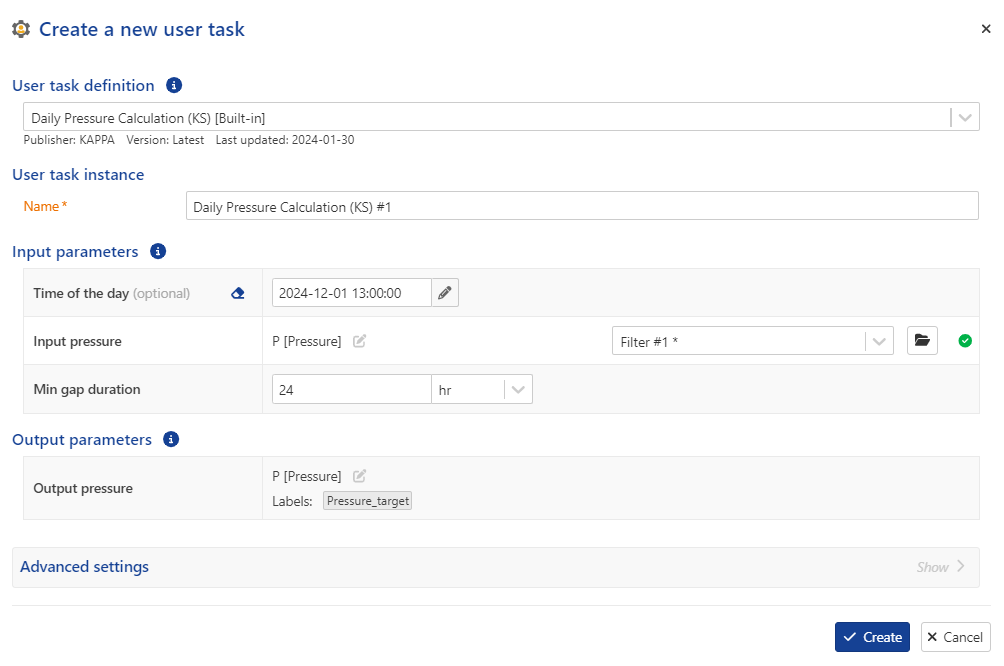 |
User Task dialog
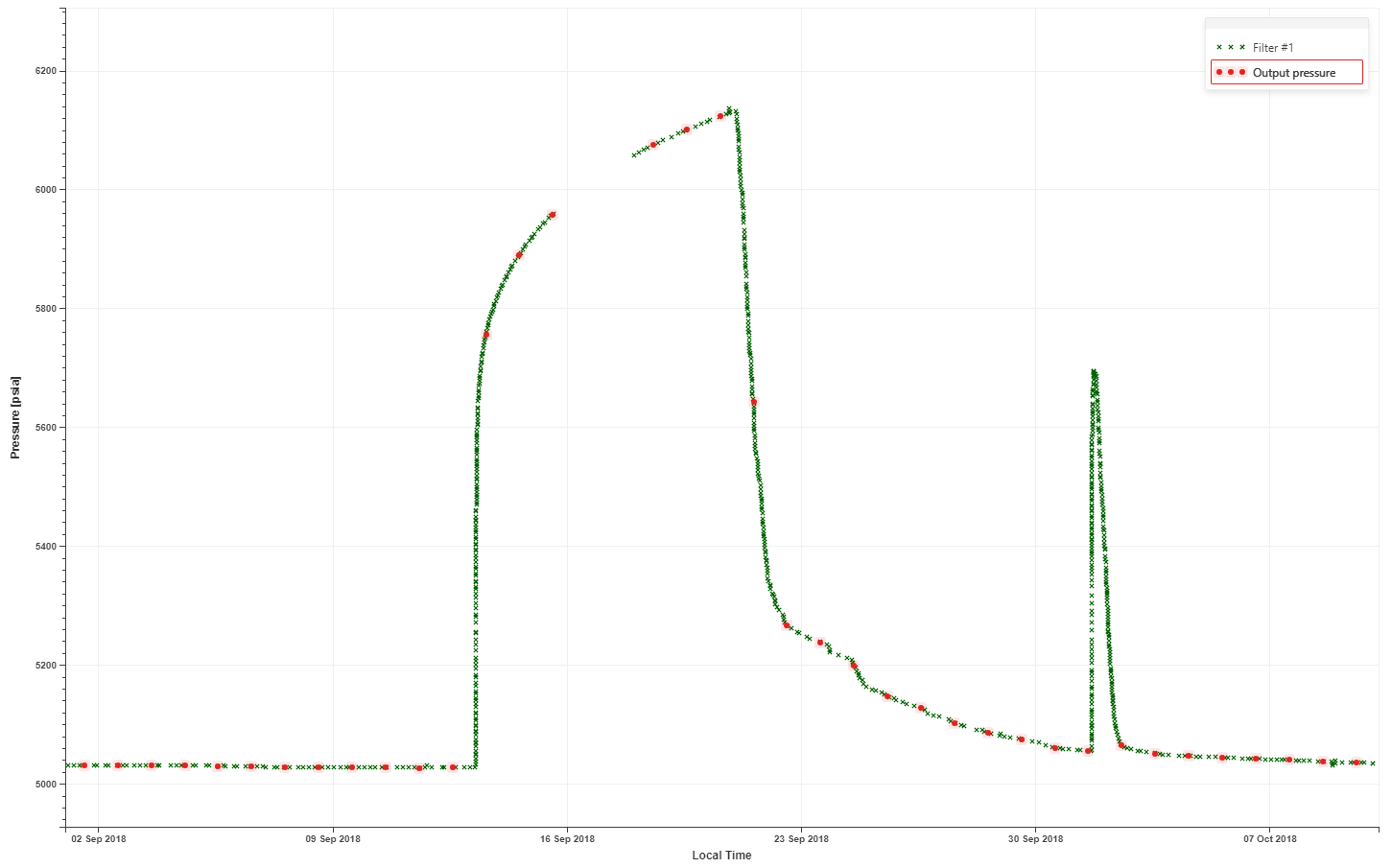 |
Input and output pressures
Daily Pressure Calculation (KS) user task definition
Procedure
At the well level, click on User Task ,
 , from the top options.
In the user tasks list, select Daily Pressure Calculation (KS).
Assign another name to the user task, if required.
Set the Time of the day input.
Define the pressure channel input.
Define the Min gap duration.
Define the output data types and labels, if required.
Click Create.
Plot the resulting daily pressure together with the original pressure data on the same plot.
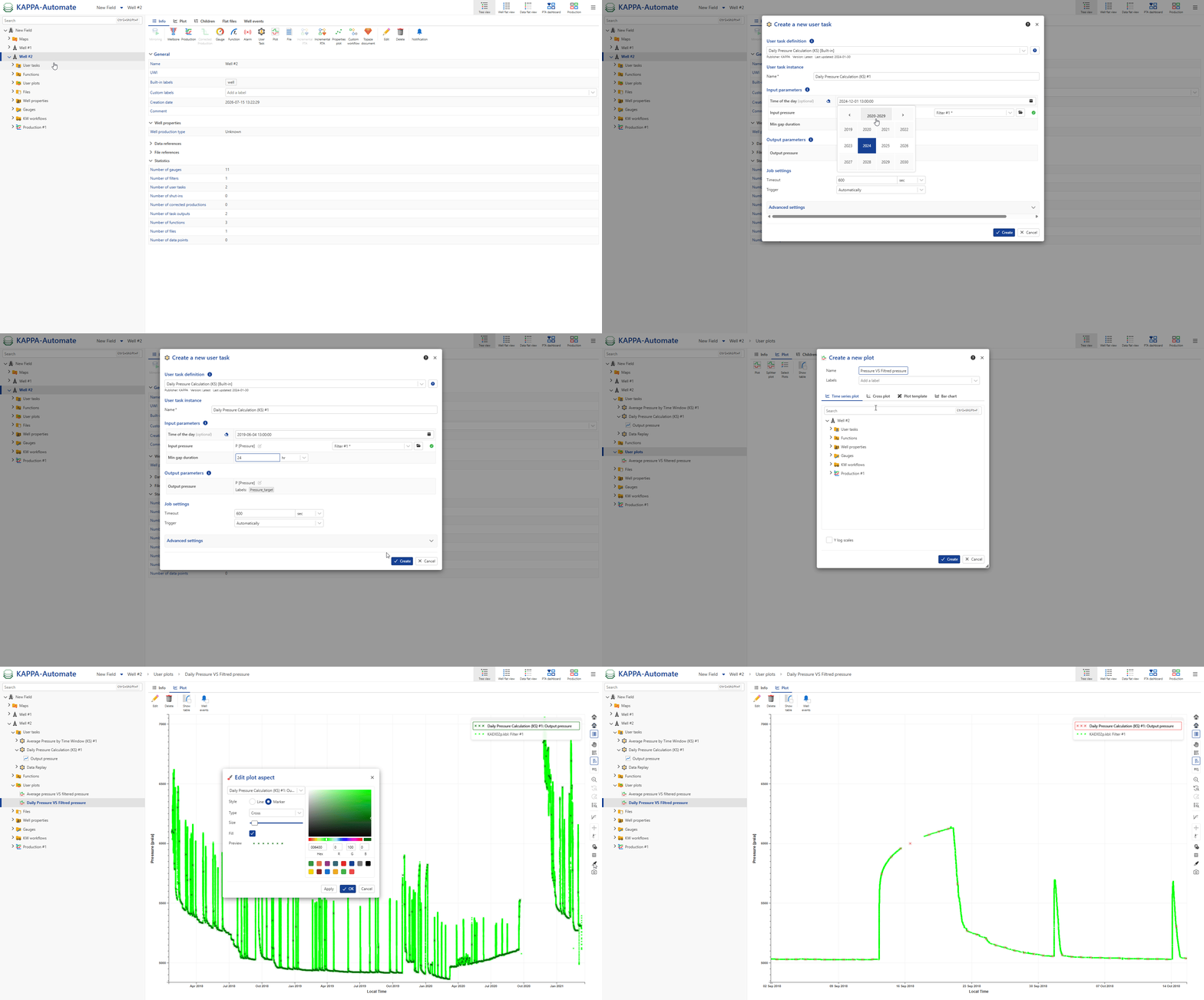
All steps are shown in the .gif below.