User Interface Overview
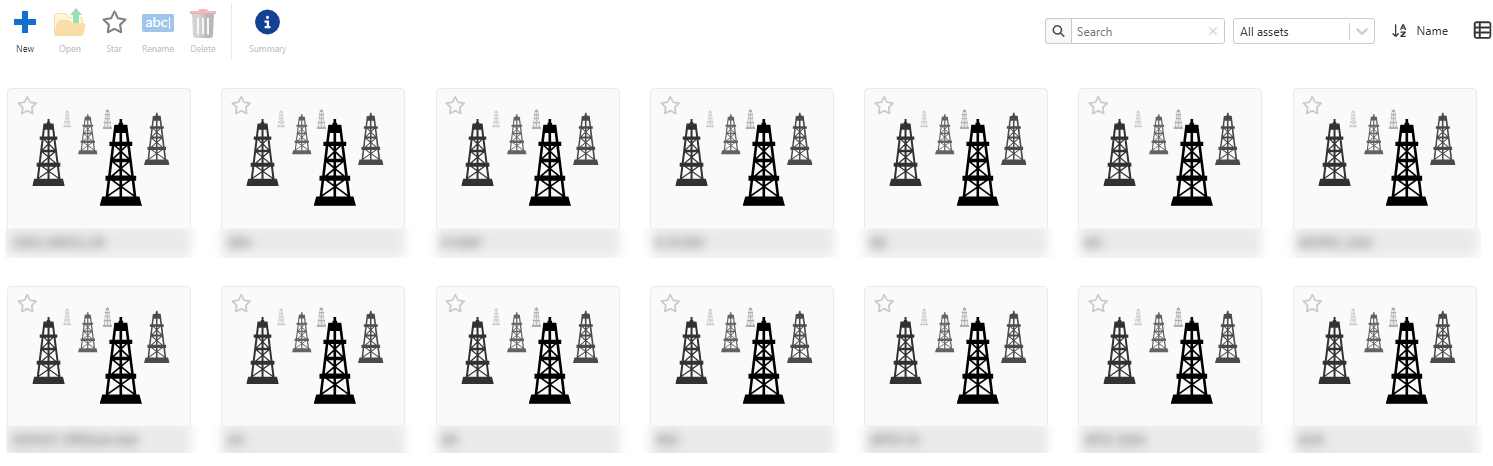
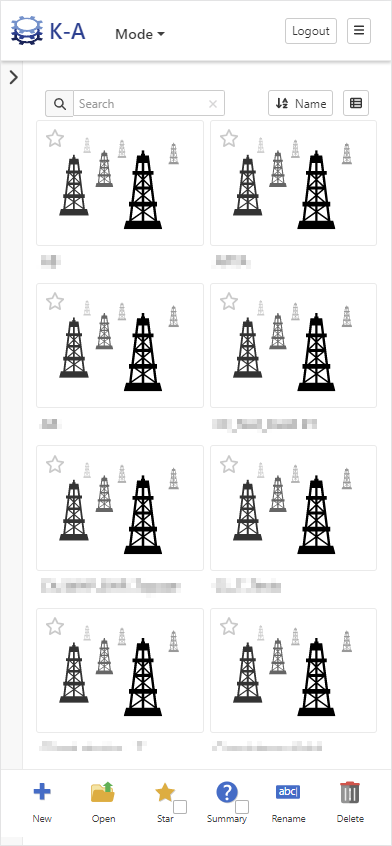
The User interface of KAPPA-Automate (KA) is a web-based client application with built-in responsive design. End users can access the application from PCs, Tablets or Smart phones using a web browser.
 |
Note
This user guide will focus on describing the PC web based version of the user interface. The other options are highly adaptive to the screen size of the device used and may omit some functionality that would be inconvenient for the user to operate due to the screen size.
Accessing KAPPA-Automate
Open a web browser (Internet Explorer, Edge, Chrome, or any other compatible browser).
Type the name of the KAPPA-Automate server into the URL address field, https://server-name (Please consult your local IT support to obtain the correct URL name).
Overview of Modes
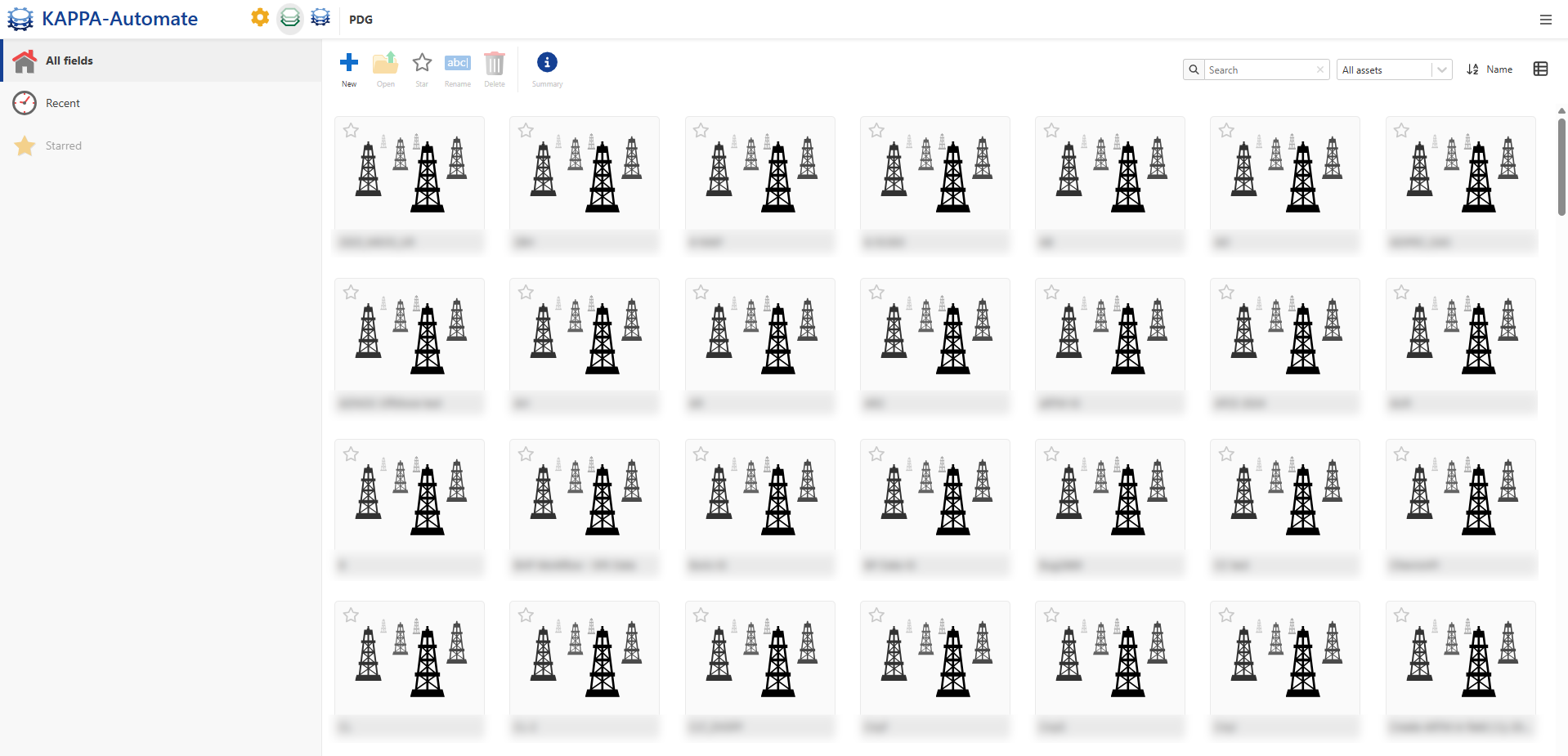
The KAPPA-Automate landing page is the PDG Module which has four main sections:
KAPPA-Automate mode

Note
By clicking on the ,
 , on the top right, a pop-up dialog opens, allowing you to::
Access the online help
View platform and services version information
View license information
Access the End User License Agreement (EULA)
View user information (email address and User ID)
Access a direct link to download the Load Tool
Log out from the platform
Context menu

Quick Navigation Pane
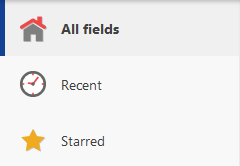
Fields (Producing Assets)