Redefining Shut-in Identification
Due to changing nature of data with time, it may be necessary to change the shut-in identification criteria with time. This may be achieved using the Shut-in Redefine option.
Prerequisites
A shut-in must exist to access this option.
Procedure
To redefine Shut-in:
Select the Shut-in node in the field hierarchy.
Click on Redefine,
 , at the top under the Plot or Info tab.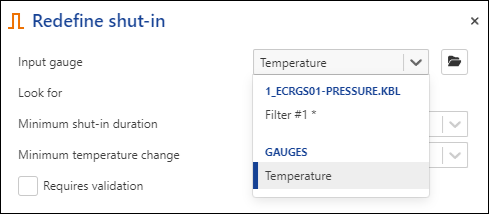
Redefine the shut-in criteria as needed.
Set the date and time from which the data will be processed with the new definition.
Click on Redefine.